Which global companies have their own data centers

Google data center building with server racks, cooling systems, and power infrastructure.
Own infrastructure as the basis of global online services

For Tier-1 companies, the question of renting servers is usually settled already at the stage of entering the global market. When the count goes into millions of requests per second, depending on a third-party provider is not only expensive because of the intermediary margin, but also risky from the SLA perspective. That is why proprietary data centers (DCs) have become a core asset for industry leaders. This makes it possible to “tailor” infrastructure to specific tasks: from custom racks to proprietary cooling systems that save megawatts of energy.

How Improper Cooling Shortens the Lifespan of a Server

Servers in normal and critical temperature conditions with cooling performance.
The influence of temperature on the stability and resource of server equipment

When we talk about a server, we imagine a powerful machine that can run for years. And that is true – enterprise-grade hardware is designed for enormous workloads. But there is one nuance that business owners and even beginner system administrators often ignore. Heat. A server does not die instantly because the room became five degrees warmer. It starts to “crumble” gradually, and this process is almost impossible to notice without dedicated monitoring – until it is too late.

How SSL Certificate Types Differ and How to Make the Right Choice

Three HTTPS options with different certificates for a personal site, business, and international project.
The type of certificate depends on the format and tasks of the site

An SSL certificate works like a digital passport for a website. It doesn’t just “enable” encryption – it creates a secure tunnel through which passwords, card details, or personal messages travel from the browser to the server as a chaotic set of characters. Intercepting them in this state is technically possible, but reading them is not. The user sees the result of this process as a lock icon in the browser, while the site owner gains the loyalty of search engines, which давно have made SSL a mandatory technical standard.

How identity impersonation looks online and why it is difficult to recognize

A user at a laptop between two masks symbolizing fake and real digital identities, with signs of online communications.
Identity theft masquerades as normal online activity

Identity impersonation online has long moved beyond primitive fake accounts. Today it is a refined mechanism where technology only frames a precise analysis of open data. A person on the internet exists as a digital construct – a set of photos, contacts, and communication habits. It is this image that has been learned to be copied so convincingly that the boundary between a real profile and its duplicate becomes almost imperceptible.

Why a Dedicated Server Requires Scheduled Reboots

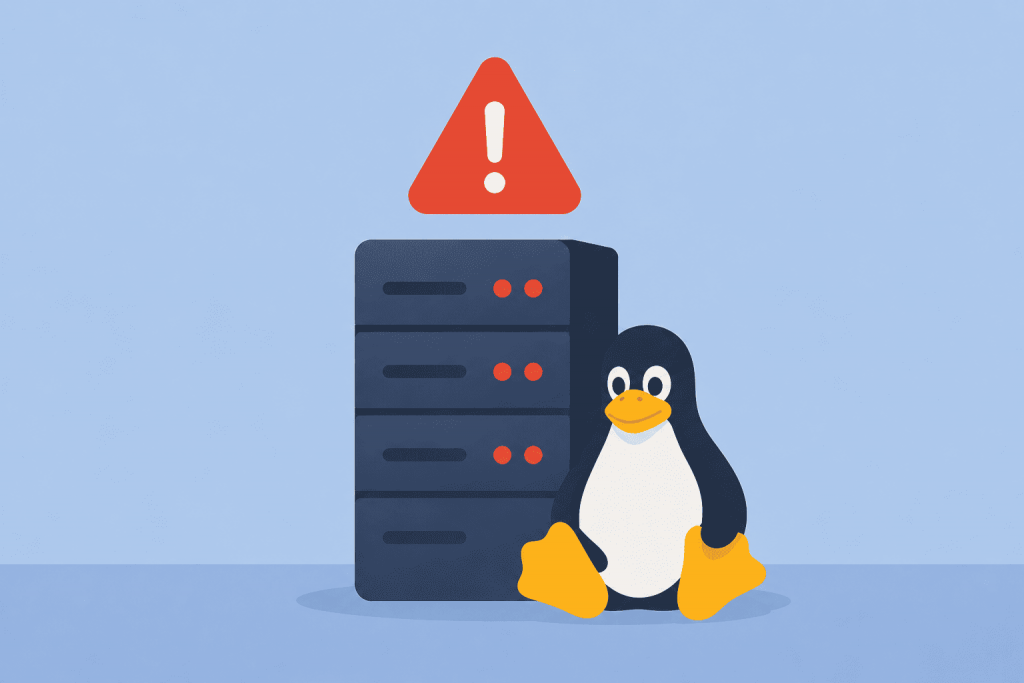
Server with warning, reboot process and scheduled maintenance time for stable system operation.
Scheduled reboots maintain stable server operation

There is a false belief that a physical server is some kind of “iron rock” that should run for years without a single stop. The owner’s logic is understandable: plenty of resources, no noisy neighbors on shared hosting, the system feels stable. Yet in real operation, an uptime of several years usually points not to reliability, but to the absence of critical security updates in memory. A scheduled restart is not a fix for a problem, but a routine procedure that helps avoid performance degradation and hidden vulnerabilities.

How the lack of time synchronization creates security issues for websites

A server and a website connected by a broken chain, a warning icon next to the server, and a clock on top indicating a time synchronization problem between the systems.
Even minor technical discrepancies can disrupt the stable operation of the service

When it comes to website security, people usually mention complex passwords, SSL certificates, or DDoS protection. Time, meanwhile, is perceived as a kind of technical decoration that does not affect stability. Yet it is the correct synchronization of the server clock that forms the foundation on which security mechanisms rely. If a server “lives” in its own dimension or lags by a few minutes, problems appear that are not easy to diagnose right away.

Why a VPS Stops Responding After Several Days Without a Reboot

A server with an error warning, a reboot process, and a recovered server with a stable state and active indicators.
Regular updates and restarts return the server to stable operation

A scenario where a VPS “flies” right after launch, and a week later starts slowing down hopelessly, is familiar to anyone who has ever set up hosting. From the outside it looks like a sudden failure, but usually the problem matures over days. A server is not a static box, but a dynamic environment. If the processes running inside it do not return resources back to the system, stability is gradually exhausted.

When Increasing the Number of CPU Cores Does Not Improve Performance

A user at a computer waiting to download, next to a server with many processor cores, showing the lack of performance gain from their number.
More cores do not guarantee faster server performance

When renting a VPS or a dedicated server, the numbers in the specifications often mislead. It seems logical that 16 cores are twice as good as 8, yet in real tasks performance rarely grows linearly. Quite often a project doesn’t react to added computing power at all, and sometimes – even slows down because of how resources are distributed.

How an Incorrect Cache Size Leads to Constant Website Delays

A container labeled cache, filled with files, code, and settings icons, next to a browser window with a loading indicator and a clock, emphasizing the long wait for the site to respond.
Incorrect caching settings affect site speed

Page load speed is usually treated with radical fixes: upgrading to a more expensive hosting plan, compressing images down to pixels, or rewriting code. But often the problem lies in the layer that was supposed to speed everything up. We’re talking about caching. When its size is set “out of thin air,” the site starts behaving unpredictably: sometimes it flies, sometimes it freezes on the spot with no visible reason.

How to Read VPS Plans Correctly

A VPS tariff card with a price of $20 and parameters of 2 CPUs, 4 GB of RAM and 50 GB SSD, next to which a person with a magnifying glass and a notepad carefully analyzes the characteristics.
Configuration details are crucial

VPS plans on hosting providers’ websites often look like a simple set of numbers and technical terms. Processor, cores, memory, disk, traffic — everything is presented compactly but without explanations. Because of this, users often choose a plan intuitively, focusing only on price or “more gigabytes,” without fully understanding how these parameters actually affect the operation of a website or service. In reality, each VPS characteristic has a clear purpose, and only together do they form the real performance of a server. To make an informed choice, it is worth first understanding what each component of a plan means and only then evaluating specific offers.

Page 2 of 15

-->