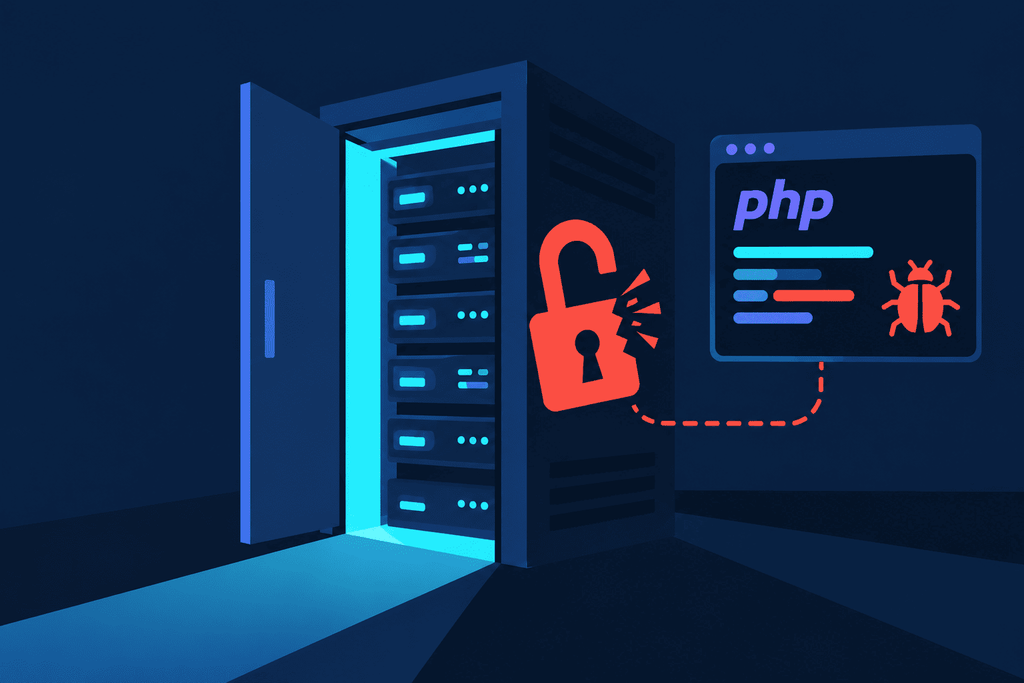
A typical break-in usually needs some kind of entry ticket – a weak password, a stolen token, or remnants of an old admin panel. But what happens when all it takes to gain access is an ordinary, seemingly legitimate request to a website that makes PHP execute someone else’s code?
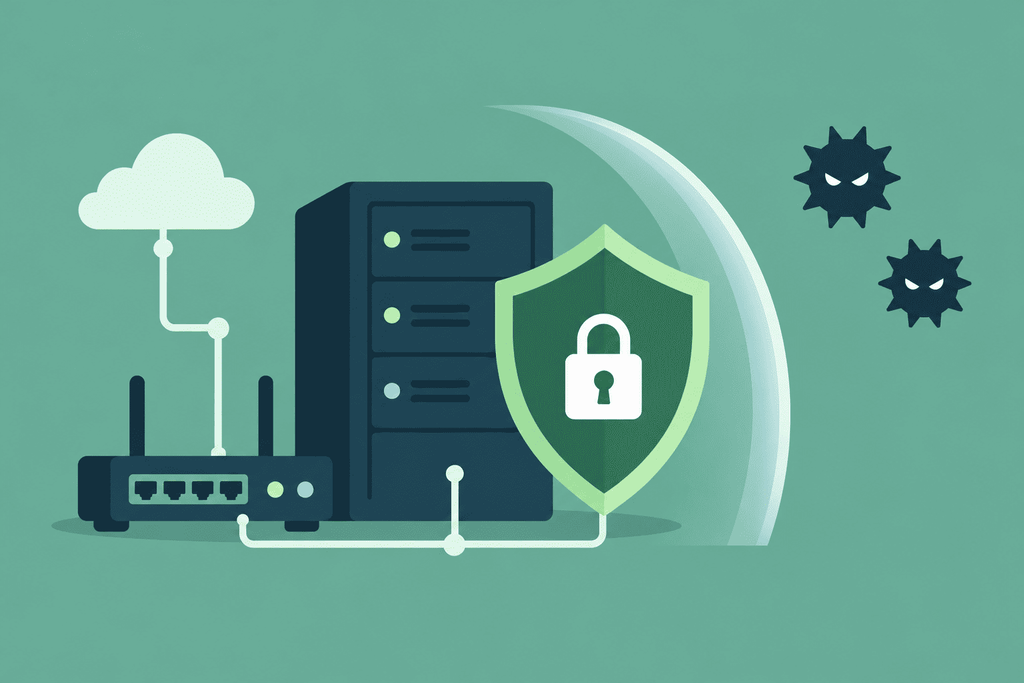
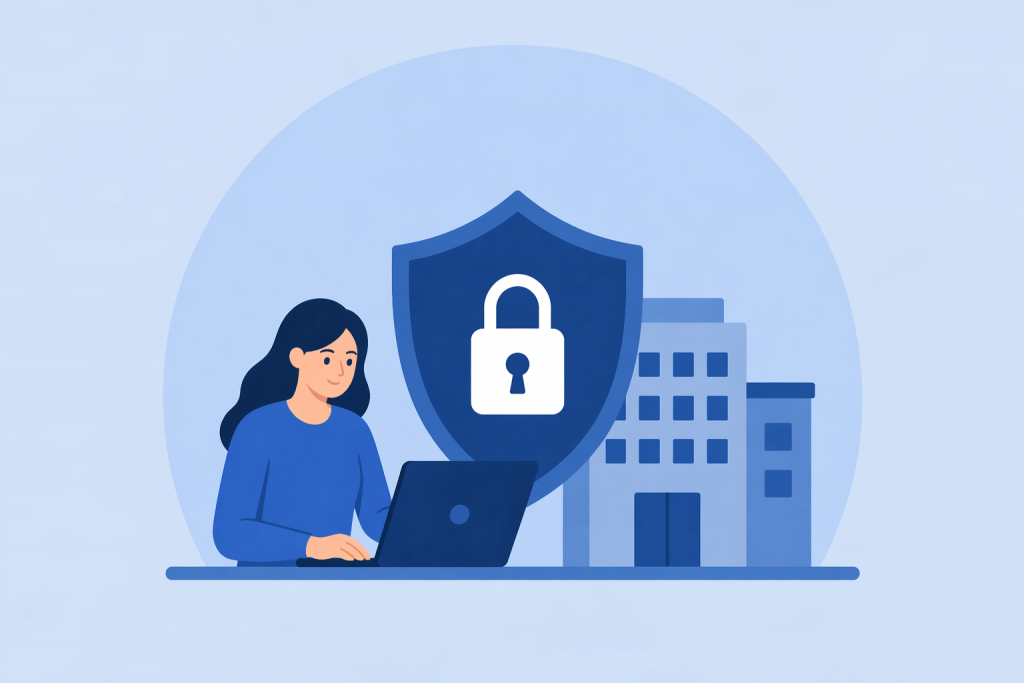
Multi-layered protection helps limit unauthorized access to network infrastructure
The server is running fine. The cameras are streaming video, nobody has complained about the network, and the equipment hasn’t needed much attention lately. Why change anything?
Most people want to get rid of a cookie banner as fast as possible. “Accept all” is usually the largest button on the screen, while the alternatives sit behind something like “Manage settings.” So people click the obvious option without really checking what it covers.
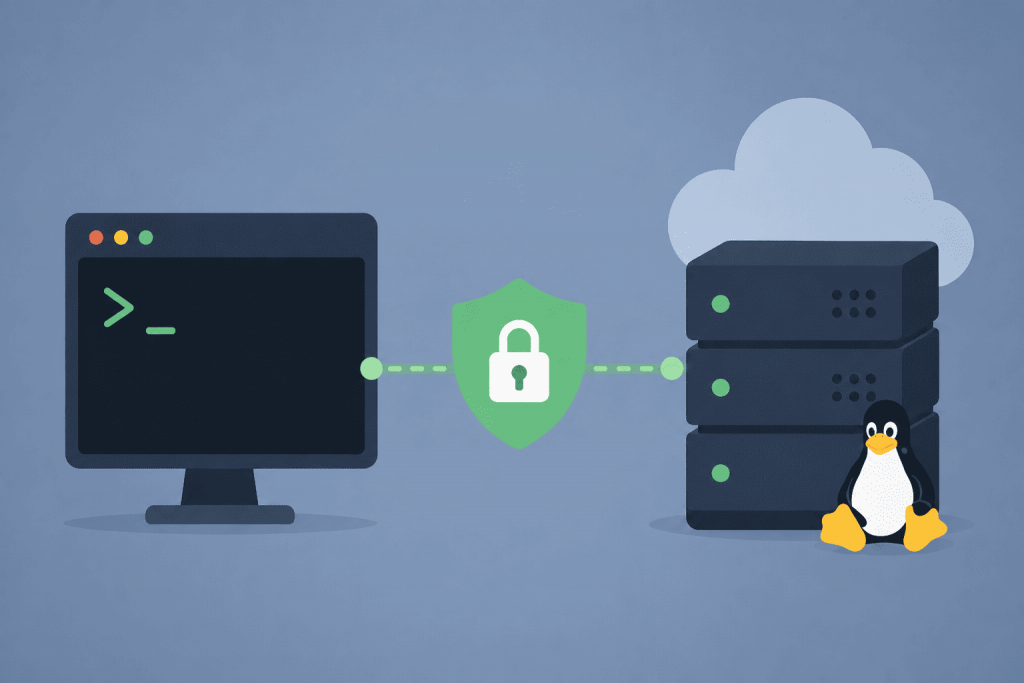
Secure SSH starts with proper server access settings
As soon as a Linux VPS is set up, you receive an IP address and the credentials for the first login. The server is already online at this point. It may take automated scanners only a few minutes to find it, check the default port, try a set of common usernames and start guessing passwords.
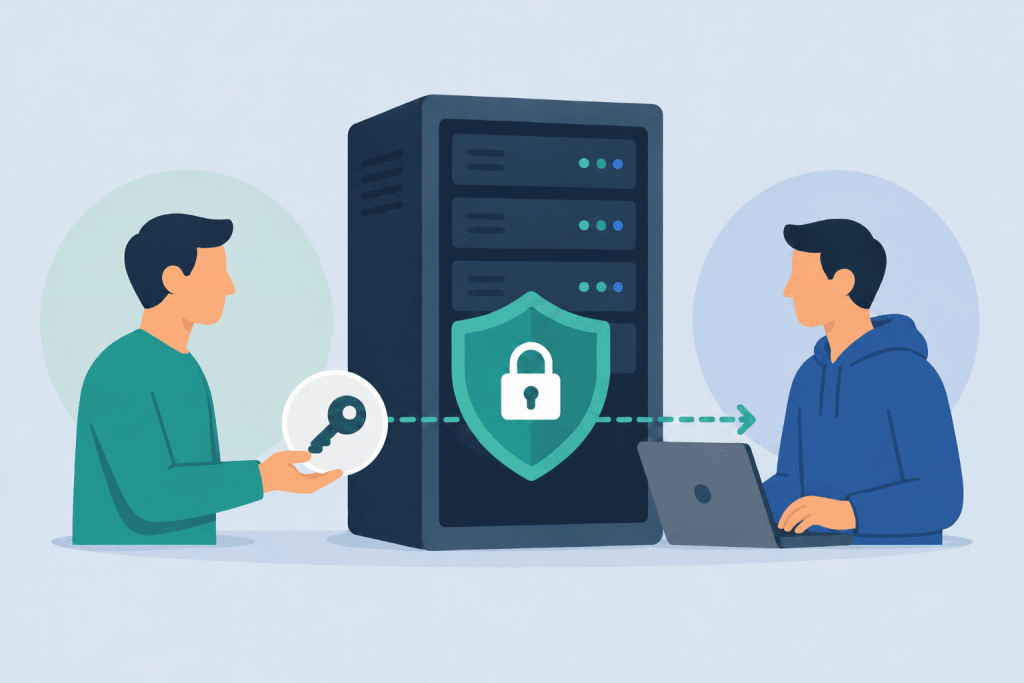
Access to the server must be transferred in a controlled manner
When a website goes down, a project needs to be moved, or some settings need to be adjusted, the first thing a developer asks for is access. And this is where it is very easy to step on the classic rake: send over the main password for everything under the slogan “here, figure it out, just do it faster.” But access to a VPS or a dedicated server is not just logging into some panel. It is a direct opportunity to rewrite files, wipe databases, break mail, or even accidentally shut down the whole project.
When server resources run out faster than you think
Sometimes the problem looks illogical. There is no sharp surge of visitors on the site, the traffic on the graphs does not hit the channel limit, the number of requests does not look catastrophic. But pages open slowly, some requests fail, the web server starts taking more memory, and the application responds every other time. In such cases, people often look for a heavy script, a database error, or a lack of resources on the plan. And that really does need to be checked. But there is one more scenario that is easy to miss: abnormal load through HTTP/2. In particular, an attack called HTTP/2 Bomb.
Backup is only part of the protection if recovery is not verified
On many VPS servers, backup is available as a standard feature or as an additional option in the control panel. For the owner of a website, online store, CRM or internal service, this is a genuinely important advantage. If something goes wrong, there is a way to restore data from a backup instead of rebuilding everything manually.
Copy Fail as an excuse to check Linux VPS security
In late April 2026, the Linux community caught wind of a new vulnerability dubbed Copy Fail (CVE-2026-31431). It’s a bug in the algif_aead kernel module that opens the door to local privilege escalation. To put it brutally simple: if your server is already running some shady third-party code or a web app gets breached, the attacker essentially gets a straight shot to root access.
Account security starts with the right approach to passwords
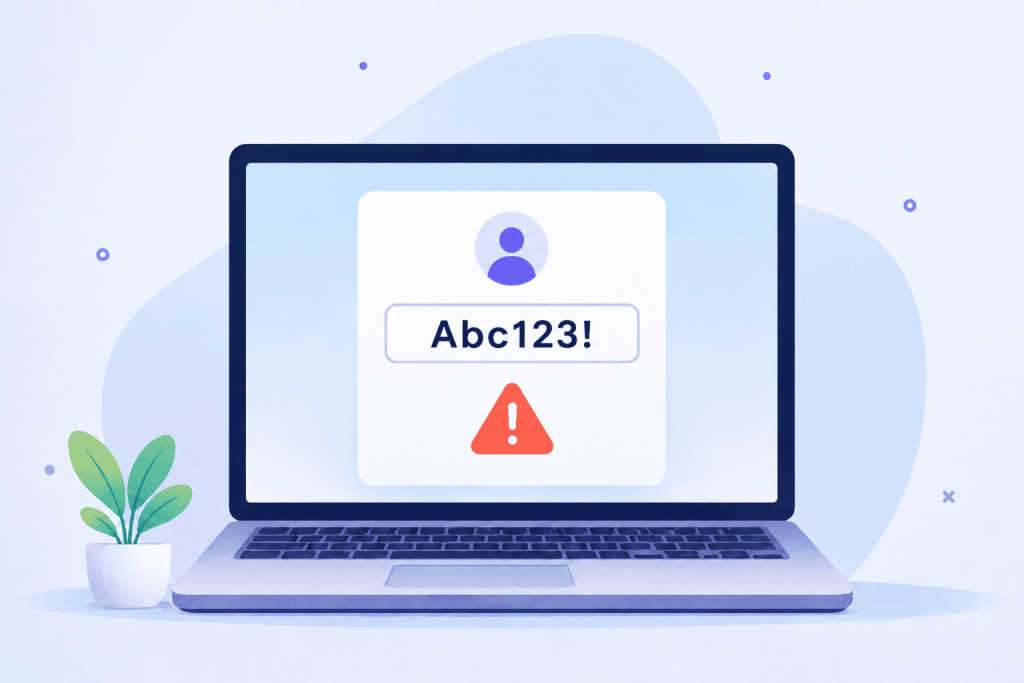
Passwords are often perceived as a formality: added a digit, put an exclamation mark – and the job is done. But this approach is based on rules from ten years ago, when there were far fewer services, and computing power for attacks was much more modest. Today each of us has dozens of accounts: from email and banks to work panels for domain management or cloud storage. A weak or repeated password in such an ecosystem creates a domino effect: once one site is hacked, everything is put at risk.
The lion’s share of successful breaches – over 90% of cases – is not the result of genius hackers or the use of some space-age technologies. Most often, attackers simply walk through doors that were left unlocked. A weak password, an abandoned account of a former colleague, or disabled login verification makes it possible to bypass even the most expensive protection systems. When the “key” is lying under the doormat, the strength of armored doors no longer matters.