
Tag: Buying a VPS

How to Read VPS Plans Correctly

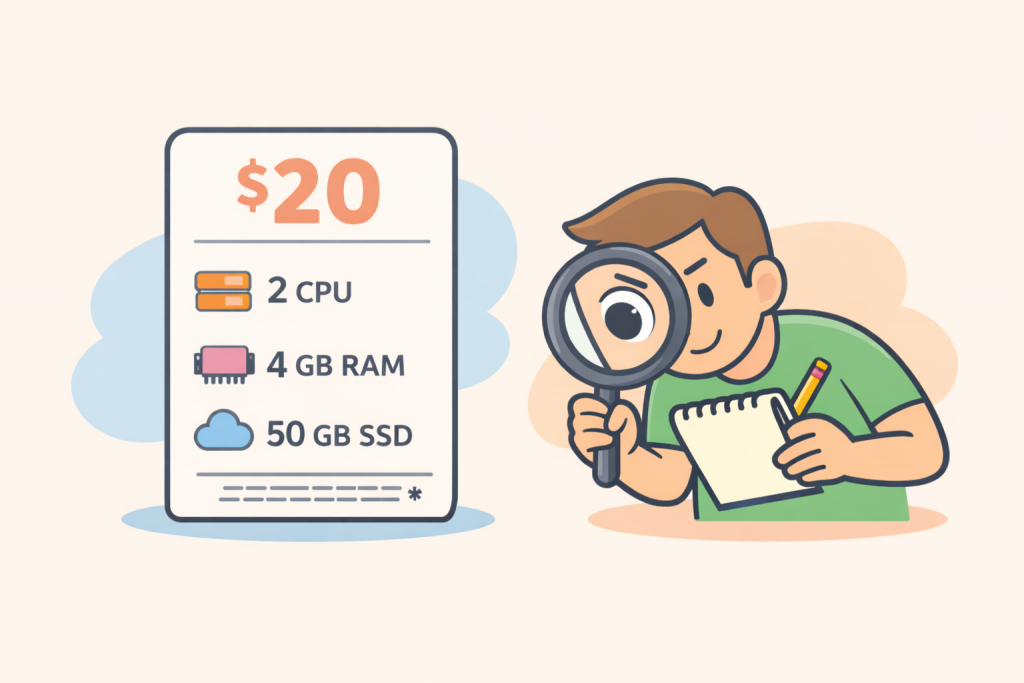
A VPS tariff card with a price of $20 and parameters of 2 CPUs, 4 GB of RAM and 50 GB SSD, next to which a person with a magnifying glass and a notepad carefully analyzes the characteristics.
Configuration details are crucial

VPS plans on hosting providers’ websites often look like a simple set of numbers and technical terms. Processor, cores, memory, disk, traffic — everything is presented compactly but without explanations. Because of this, users often choose a plan intuitively, focusing only on price or “more gigabytes,” without fully understanding how these parameters actually affect the operation of a website or service. In reality, each VPS characteristic has a clear purpose, and only together do they form the real performance of a server. To make an informed choice, it is worth first understanding what each component of a plan means and only then evaluating specific offers.

How to Properly Test a VPS After Purchase

A team of specialists in white coats checks the operation of the VPS server, recording the results on a tablet and laptop.
VPS testing helps evaluate the stability, speed, and security of the server before full use

Buying a VPS is not the end — it’s just the beginning of your work with the server. Just like after buying a car, you shouldn’t just hit the gas but make sure everything runs smoothly. A Virtual Private Server (VPS) is an environment where you get dedicated resources — CPU, RAM, disk space, and network connectivity. However, the stability and performance of your website or application depend on how well these resources are allocated and configured. That’s why the first thing to do after activating your VPS is to test it thoroughly to ensure everything meets your expectations.

-->