
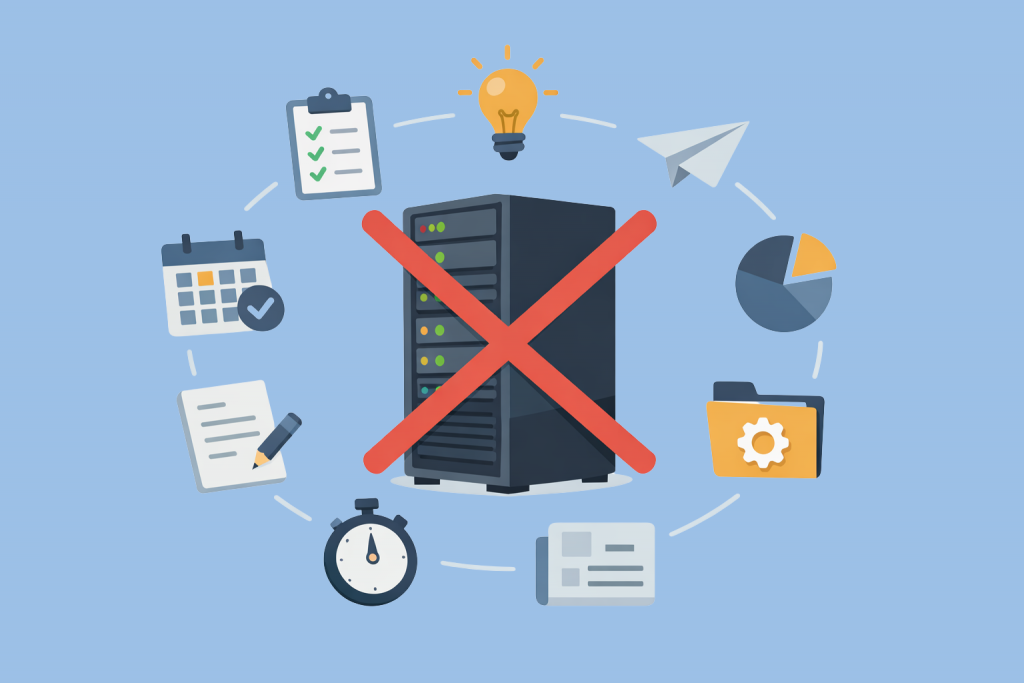
In the client community, there is a persistent myth: having your own iron is the pinnacle of hosting evolution. The logic goes that if a project is serious, it belongs on a dedicated physical machine in a data center. It sounds simple: no neighbors competing for resources, full BIOS/IPMI access, and nobody “eating” your bandwidth. In practice, however, a dedicated server often becomes an infrastructural ball and chain for a business.
Power alone doesn’t guarantee stability if the project’s architecture doesn’t match the deployment type. There is an entire layer of tasks where renting a separate unit in a rack isn’t an investment in reliability – it’s a banal planning error that drains money and adds headaches for the admins.
Low-load projects and the “graveyard” of resources
Let’s start with the obvious but widespread: landing pages, small corporate portals, or personal blogs. When such a project is “seated” on a dedicated server, it looks like a lone passenger in a massive empty bus. The CPU is loaded at 1-2%, the RAM sits untouched, and the disk subsystem idles. The problem isn’t just that you’re overpaying for “iron.”
The problem is efficiency. Modern KVM-based VPS solutions offer almost the same isolation for small tasks but cost ten times less. A dedicated server requires payment for the entire physical volume, regardless of whether it’s under load. If your site gets a hundred visitors a day, keeping a separate machine for it is a luxury with no technical justification.
Marketing chaos and seasonal peaks
The greatest weakness of a dedicated server is its lack of flexibility. It’s a physical piece of hardware with a specific number of RAM slots and a fixed CPU model. If your business relies on promos, sales, or seasonal spikes (like a flower shop on March 8th or concert tickets), a dedicated server can become your worst enemy.
Imagine the situation: the load suddenly jumps 5x. Cloud infrastructure allows you to add cores or memory in two clicks or automatically deploy additional instances. With a physical server, that won’t happen. You’ll either have to order new hardware and wait for data center techs to mount it, or rent an overpowered configuration “just in case” well in advance. In both cases, you lose: you either lose customers because the site crashes during the peak, or you throw away your budget every month on resources that are only needed two days a year.
Environments for development and experimentation
Dev/Test/Staging are zones where everything should be fast and “disposable.” Developers need to spin up environments, run tests, “break” the system, and restore it all over again. On a dedicated server, this cycle stretches out. There is no magic of instant snapshots here like there is in virtualization. If you “kill” the OS on the hardware with a bad kernel patch, you’ll have to go into the recovery console or reinstall everything from scratch via IPMI.
For learning or testing new tech stacks, a dedicated server is too clunky. Virtual machines allow you to clone an environment in seconds. On hardware, you are limited to a single physical instance. Keeping a test “sandbox” on a dedicated server is like buying a new car every time you just want to check the quality of the gasoline.
Backups and “cold” data storage
Storing backups on a dedicated server is a professional sin. First, it’s expensive. You are paying for high-end computing power (CPU, RAM) that isn’t utilized during simple file read/write operations. Second, it is architecturally incorrect.
For backups, there are specialized S3 storages or cheap Storage servers with slow but high-capacity disks. A dedicated server with a RAID array and fast NVMe drives is meant for databases and high IOPS, not for gigabytes of logs to gather dust on. It’s an irrational use of data center resources.
The trap of self-administration
When you rent Dedicated, you get “bare metal.” The provider guarantees the server is powered on and connected to the network, but everything else is your responsibility. Software updates, patching security holes, firewall configuration, monitoring disk temperatures – it all falls on your shoulders.
If you don’t have an experienced admin on staff, a dedicated server quickly turns into a sieve for hackers or starts “crumbling” due to configuration errors. In many cases, it’s better to take a VPS or a PaaS solution where the provider handles OS updates and basic protection. Having your own server without professional oversight isn’t freedom; it’s a constant risk of unexpected downtime.
When power becomes a burden
A dedicated server isn’t a “better version of hosting” – it’s a specific tool for large, static loads. It is ideal for heavy databases, projects with massive constant traffic, or systems requiring custom kernel configurations and direct disk access. However, in almost all other cases, trying to buy “iron” instead of cloud or virtual solutions only leads to infrastructure inertia and wasted costs.
Today, efficiency is determined not by the number of cores at your disposal, but by the speed at which you can adapt to the market. If setting up a server takes days and scaling requires a technician to visit the data center, you’re losing the flexibility game. The right choice doesn’t start with looking at provider price lists; it starts with analyzing how your project will grow, crash, and be maintained in real-world conditions. Ultimately, the best server is the one that does its job invisibly to the budget and the support team, without creating redundant complexities where an elegant digital solution would suffice.
Leave a Reply
You must be logged in to post a comment.