Tag: System Updates

How to prepare a VPS for an operating system update

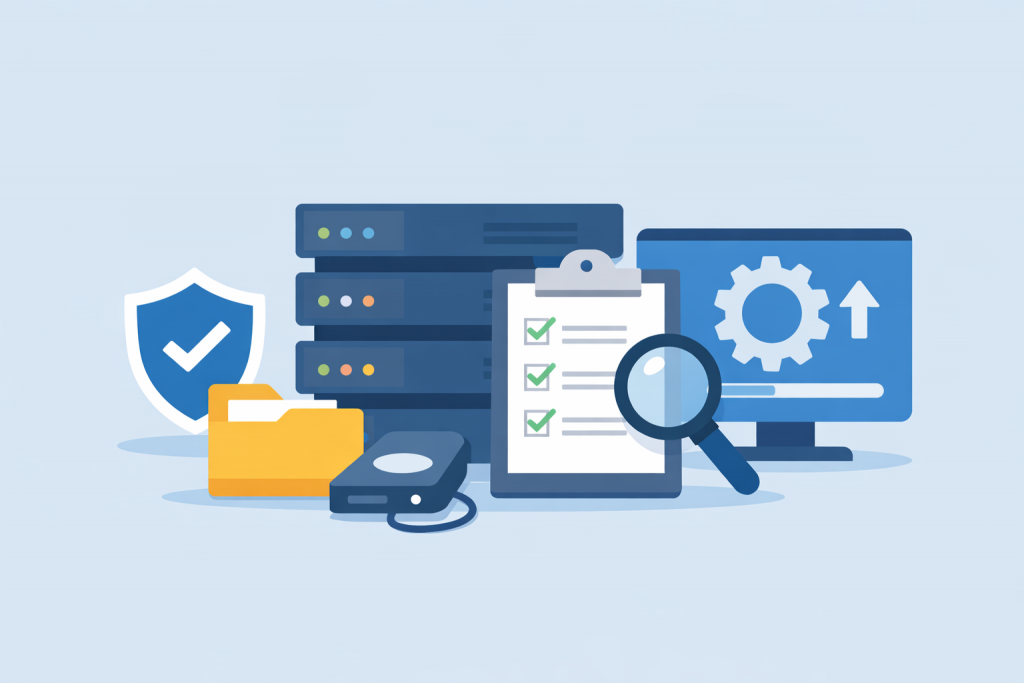
Servers, checklist with marks, magnifying glass, backup disk and system settings screen.
Preparing for an update is no less important than the update itself.

Updating the operating system on a VPS is often perceived as a routine technical procedure that can be performed between other tasks. In reality, it is one of the most critical stages in the life of a server. A VPS is usually used for specific business or infrastructure purposes: hosting websites, storing data, running services, or supporting internal systems. During an update, key system components are modified, and these components directly affect the stability and security of the entire platform. Without proper preparation, even a standard update can result in downtime, loss of access to services, or the need for urgent system recovery.

Why Bug Fixes Are Just as Important as System Updates

A computer on a scale is contrasted with a box with an error, symbolizing the importance of bug fixes and updates.
Bug fixes maintain stability no less than system updates

In the modern digital environment, most users are accustomed to perceiving updates as something big and noticeable: new design, features, interfaces or capabilities that immediately catch the eye. Updates are associated with something significant that adds new potential to a system. At the same time, bug fixes — meaning corrections of errors in software — often seem less noticeable and even “boring.” However, in reality, they are fundamentally important and, in some cases, even more critical than large-scale updates. To understand why, it’s worth examining the nature of bugs, their impact on stability and security, and how to correctly evaluate the quality of software.

-->