Tag: Website Optimization

How an Incorrect Cache Size Leads to Constant Website Delays

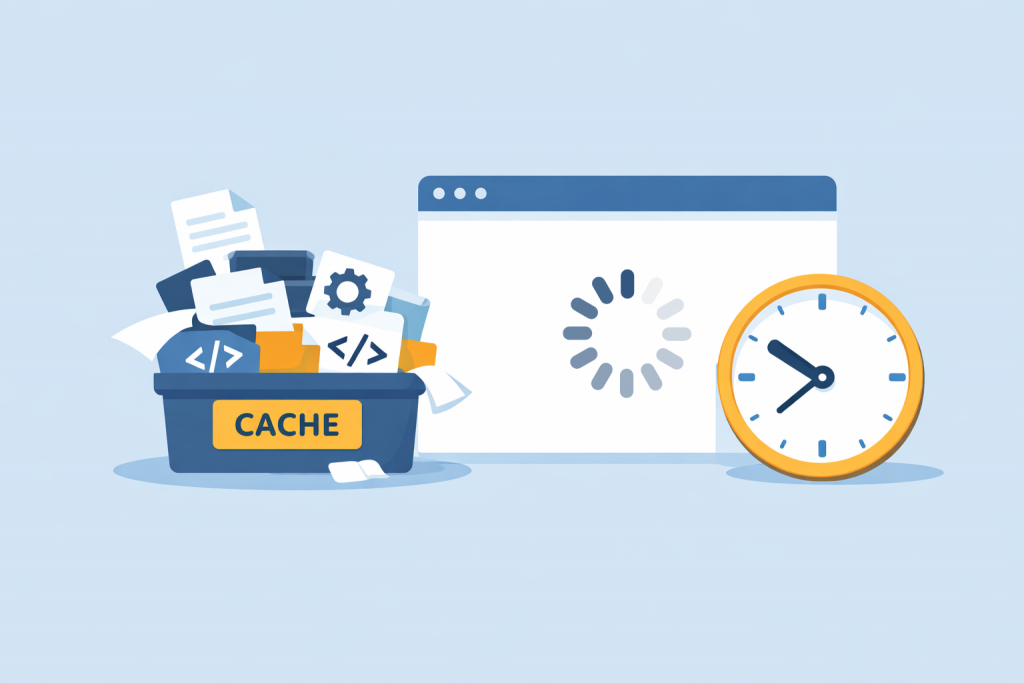
A container labeled cache, filled with files, code, and settings icons, next to a browser window with a loading indicator and a clock, emphasizing the long wait for the site to respond.
Incorrect caching settings affect site speed

Website performance directly affects user behavior, search engine rankings, and overall brand perception. When pages start loading slowly, site owners often look for the problem in design, code, or hosting. In practice, however, a frequent cause of recurring delays is incorrectly configured caching. This is not about the absence of a cache, but about an inappropriate cache size that does not take the actual load on the website into account.

Website Launch Checklist on a New VPS

A server, a monitor with a rocket on the screen, and a checklist with completion marks indicating readiness for launch.
Checking the VPS before launching the site is the key to stable project operation

Launching a website on a new VPS is more than just uploading files. It’s a full process that includes configuring the server, connecting a domain, installing a security certificate, checking the website’s functionality, and optimizing its speed. If each stage is completed carefully, the website will run stably, quickly, and without issues — even under heavy load.

5 Reasons Why Your Website Is Slow (and How to Avoid This on VPS)

In today’s online world, website speed is not just a “technical parameter” but a direct contributor to revenue. Users expect instant responses: if a page takes longer than 2–3 seconds to load, the bounce rate increases sharply. A slow site lowers conversions, worsens SEO, and undermines brand trust. The good news — most problems are predictable and fixable. Below are the five main reasons for slow performance and clear steps to fix them on VPS.

-->