Not every website slowdown starts on the server side
The website has become slow, so the server is the first suspect. Adding CPU cores or RAM, or moving to a more expensive VPS, seems like an obvious solution. Sometimes the configuration is upgraded, though, and the pages still take just as long to load.
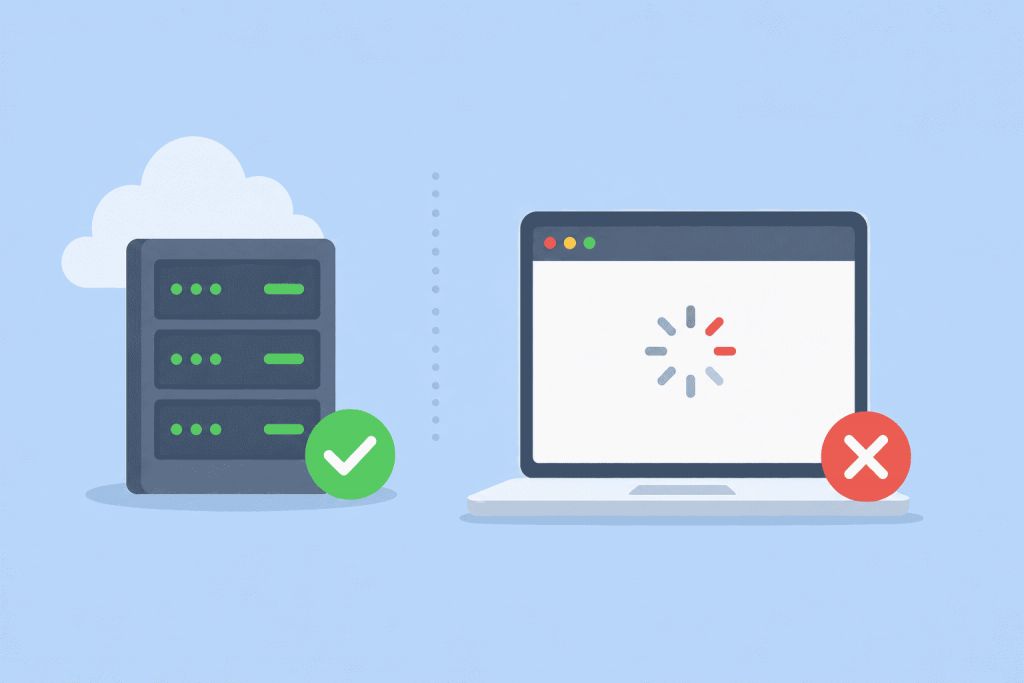
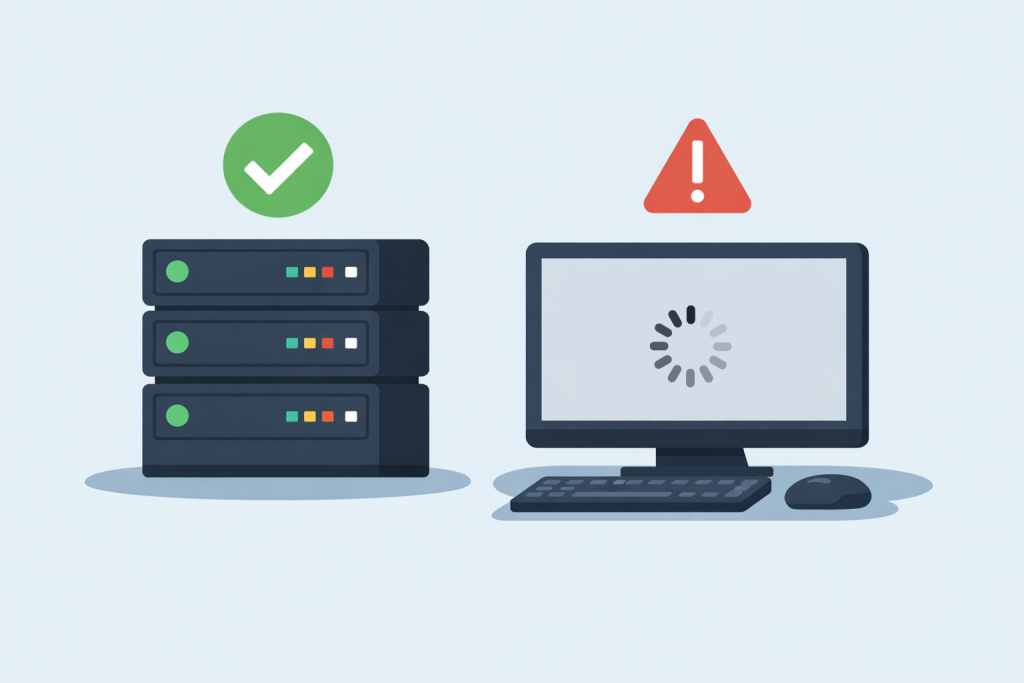
The server status does not guarantee the availability of the site for visitors.
Many website owners face a paradoxical situation: the server is running, responds to ping, answers requests, but the website itself does not open in the browser. From the hosting provider’s side, everything looks fine — the server is online, there are no outages. However, users see an error, long loading times, or complete lack of access. To understand the reason, it is important to distinguish between the concepts of “the server is working” and “the website is working,” because these are not the same thing.
Site errors as signals that help you understand what went wrong
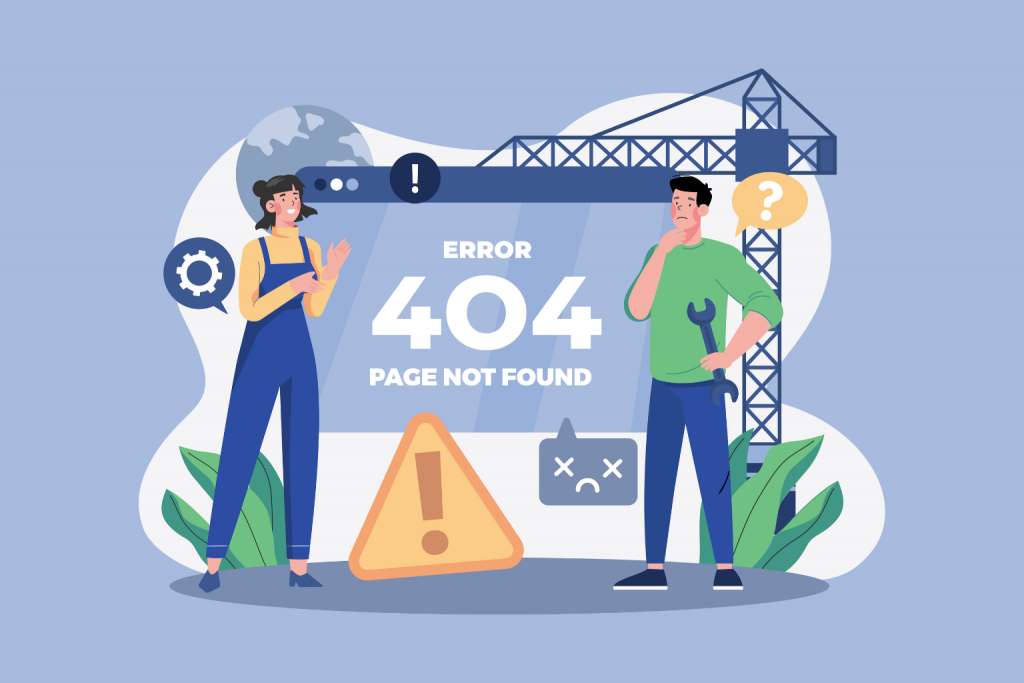
While browsing websites, users often encounter messages like 404, 500, or 504. For most people, these numbers look like technical gibberish, even though they actually carry quite clear information. Website errors are the way a server tells the browser what exactly went wrong. If you learn how to interpret them correctly, it becomes clear whether the problem is on your side, whether you just need to wait, or whether the site is experiencing serious technical issues.