
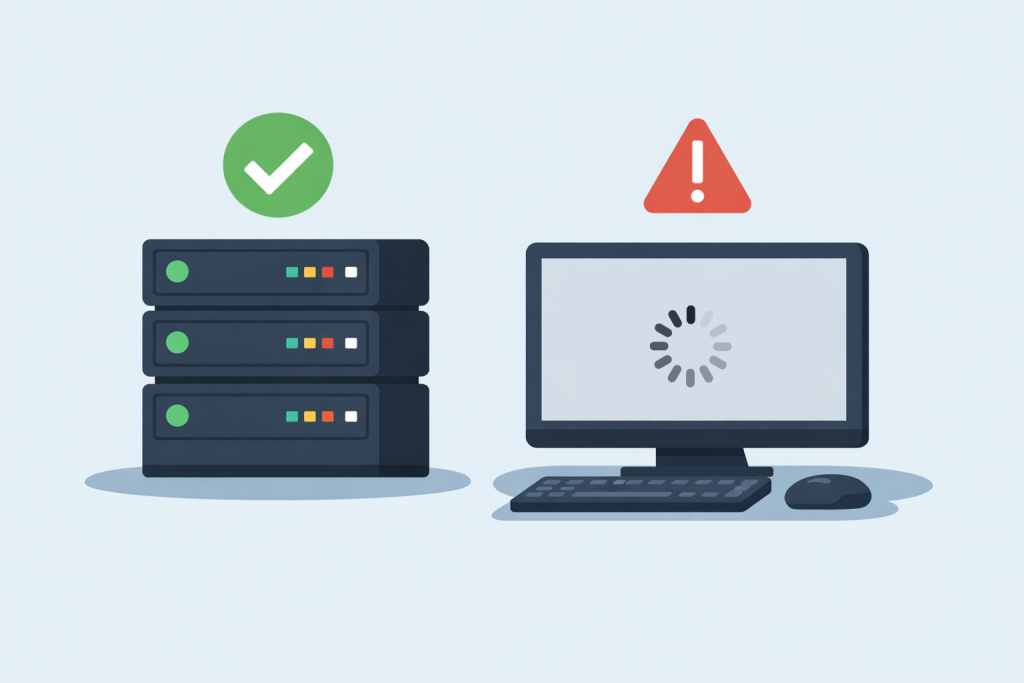
Many website owners face a paradoxical situation: the server is running, responds to ping, answers requests, but the website itself does not open in the browser. From the hosting provider’s side, everything looks fine — the server is online, there are no outages. However, users see an error, long loading times, or complete lack of access. To understand the reason, it is important to distinguish between the concepts of “the server is working” and “the website is working,” because these are not the same thing.
The Server Being Online and the Website Are Different Levels of Operation
A server is a physical or virtual machine that is connected to the network and accepts requests. When it is said that the server is online, it means that it is powered on, accessible by IP address, and responds to basic network checks. A website, however, is a program that runs inside the server: it includes the web server, website files, a database, and additional services. If any of these components fail, the server will remain online, but the website will become unavailable.
Problems with the Web Server and Services
One of the most common reasons is a stopped or malfunctioning web server. A web server is a program that accepts HTTP requests from the browser and delivers website pages. If it is not running, has frozen, or is working with errors, the server continues to be accessible, but the website does not open. For the user, this usually appears as a 502 or 503 error, or a complete lack of response. Such situations often occur after updates, configuration changes, or a sudden increase in load.
Errors in Domain and DNS Settings
Another common cause is incorrect DNS operation. DNS is the system that converts a website’s domain name into the server’s IP address. If the domain points to the wrong server, the record was deleted, or has not yet updated after changes, the server may be fully operational, but the browser simply does not know where to connect. In such cases, the website does not open via the domain, although the server responds via its IP address.
Server Resource Overload
A server can be online but lack sufficient resources to process website requests. The CPU, RAM, or disk subsystem may be overloaded. For a simple check, the server appears to be alive, but when the browser tries to load a page, the server does not manage to generate it in time. As a result, the user sees an error or endless loading. This is especially common on VPS environments when a website suddenly grows or when incorrectly functioning scripts appear.
Failures in Database Operation
Most modern websites use a database to store content, orders, and settings. If the database service is stopped, overloaded, or working with errors, the website cannot retrieve the required data. At the same time, the server and web server remain online. For the user, this looks like a database connection error or a blank page, even though technically the server continues to operate.
Errors in Website Files or Code
Sometimes the problem lies directly in the website itself. A failed update, a code error, or corrupted files can completely stop the website from working. In this situation, the server does not “crash,” but it cannot correctly process the request. This often happens after installing new modules, themes, or plugins, when the website stops opening without obvious reasons.
Security Restrictions and Access Blocking
A server can be online, but access to the website may be restricted by security settings. Firewalls, attack protection systems, or incorrect access rules can block requests from certain countries, IP addresses, or even all users. In this case, the server operates normally, but the website becomes unavailable to part or all of the audience.
Why It Is Important to Look at the Problem Holistically
When a website does not open while the server is online, it means that the issue is not at the physical level, but in the software or logical part of the infrastructure. That is why it is important not to limit yourself to checking the server status, but to analyze the operation of the web server, domain, database, and the website itself. Understanding this difference helps to find the cause faster and avoid situations where a resource formally works, but is actually unavailable to users.
Leave a Reply
You must be logged in to post a comment.