
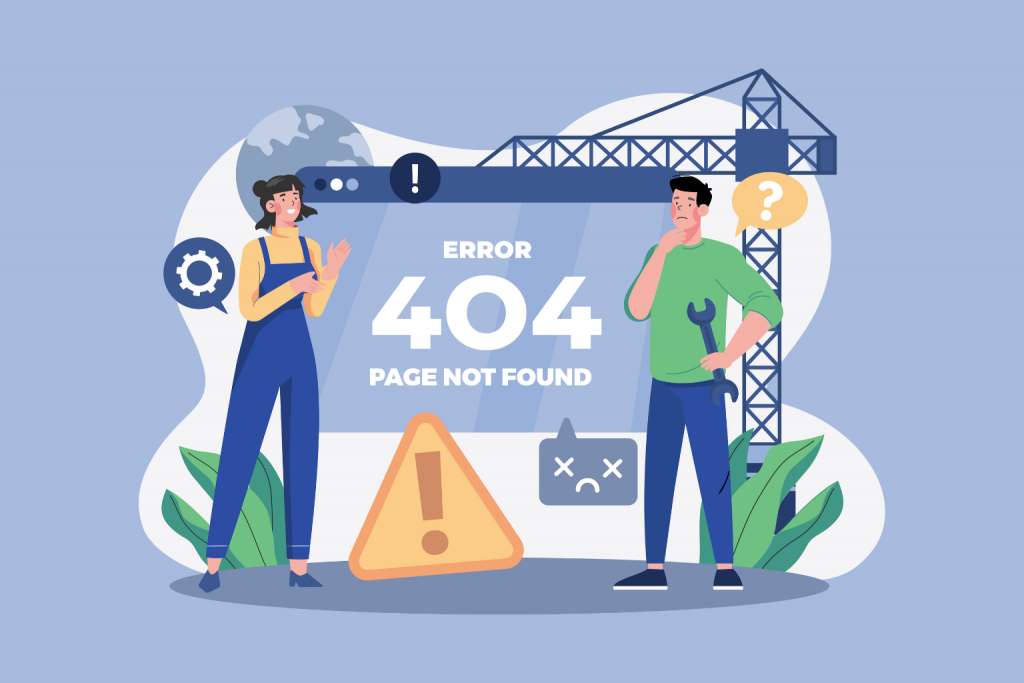
While browsing websites, users often encounter messages like 404, 500, or 504. For most people, these numbers look like technical gibberish, even though they actually carry quite clear information. Website errors are the way a server tells the browser what exactly went wrong. If you learn how to interpret them correctly, it becomes clear whether the problem is on your side, whether you just need to wait, or whether the site is experiencing serious technical issues.
How Errors Occur When Opening a Website
When a user enters a website address, the browser sends a request to a server — the computer where the site is hosted. The server processes the request and returns a response. If everything works correctly, the page opens without any messages. If a problem occurs, the server returns a special code. The first digit of this code immediately indicates the nature of the error: whether it is an access issue or a server-side failure.
Error 404: Page Not Found
Error 404 means that the requested page does not exist at the specified address. Most often, this happens due to an incorrect link, a typo in the address, or because the page was deleted or moved. In this situation, a user can check the address, use the site’s search function, or return to the homepage. For the site owner, it is important to check for broken links and set up redirects so visitors do not end up at a dead end.
Errors 401 and 403: Access Restricted
Error 401 means that authorization is required to access the page. In simple terms, the site expects a login and password. If the user does not have them, there is nothing they can do except log in or contact the site administrator.
Error 403 indicates that access to the page is forbidden even after authorization. This is usually the result of security settings or access permissions. For an ordinary user, this error cannot be resolved independently. The site owner should check file permissions, server settings, or security system configurations.
Error 400: Bad Request
Code 400 means that the server received the request but cannot process it due to an error in the data format. This may be related to corrupted cookies, browser cache issues, or incorrect script behavior. In this case, a user can try clearing the cache, refreshing the page, or using another browser. If the error persists, the problem is most likely on the website’s side.
Error 500: Internal Server Error
Error 500 Internal Server Error is one of the most unpleasant, because it does not explain the exact cause of the failure. It means that the server was unable to process the request correctly due to an internal error. For the user, there are practically no actions to take other than waiting or trying again later. For the site owner, this is a signal to check the code, server configuration, and error logs, as the cause may lie either in the software or in a lack of resources.
Error 502: Bad Gateway
Error 502 Bad Gateway appears when a website uses multiple servers or intermediary services, and one of them receives an incorrect response from another. For the user, this looks like a temporary failure that usually resolves itself. The site owner should check the interaction between servers, proxies, or cloud services.
Error 503: Service Temporarily Unavailable
Code 503 means that the server is currently unable to handle requests. Most often, this happens due to overload or maintenance work. For the user, this is one of those errors where nothing can be done — you simply need to wait. For the site owner, a 503 error signals that the server lacks resources or that load optimization is required.
Error 504: The Server Did Not Receive a Response in Time
Error 504 Gateway Timeout means that the server was waiting for a response from another server but did not receive it in time. In simple terms, the request “got stuck” during processing. In this situation, the user cannot fix anything other than trying again later. For the site owner, this error often points to slow database performance, incorrect timeout settings, or server overload.
Why a Stable Server Reduces the Number of Errors
Most errors in the 500 range are directly related to server infrastructure. When a server lacks resources or operates at the limit of its capabilities, failures become regular. A stable environment, sufficient memory, and adequate CPU resources significantly reduce the likelihood of errors such as 500, 503, or 504.
If you plan to host your own website or want it to remain stable even under load, you can purchase a VPS on Server.UA — a virtual server that provides greater control over resources and helps avoid many typical server-related errors.
Leave a Reply
You must be logged in to post a comment.