Tag: website security Page 1 of 2

How SSL Certificate Types Differ and How to Make the Right Choice

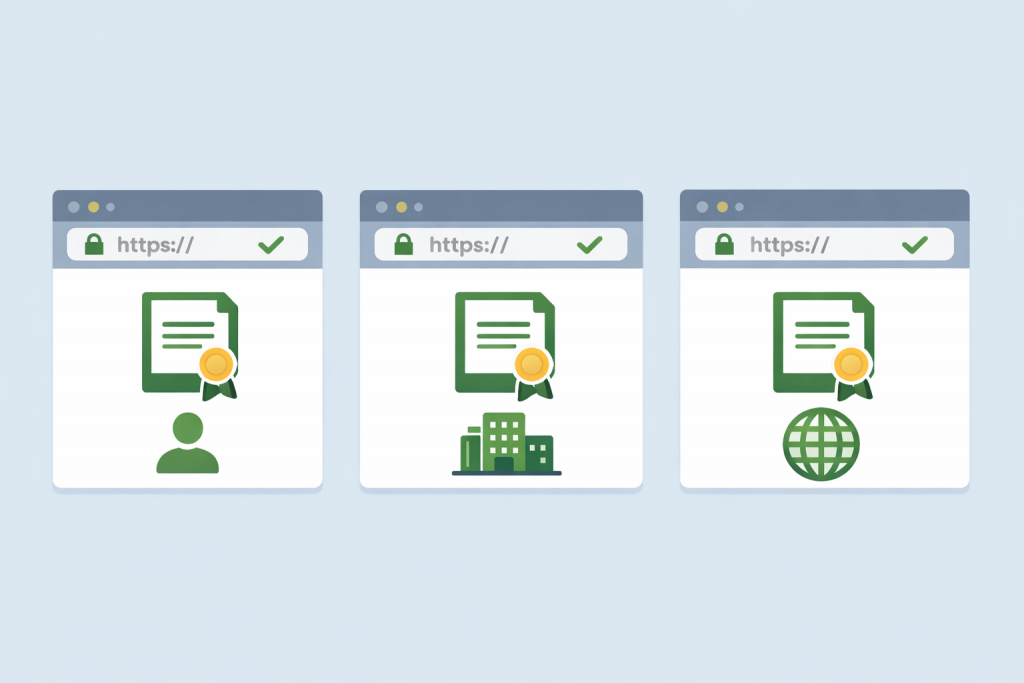
Three HTTPS options with different certificates for a personal site, business, and international project.
The type of certificate depends on the format and tasks of the site

An SSL certificate is a digital document that confirms the authenticity of a website and ensures a secure connection between the user’s browser and the server. Thanks to SSL, the data that a visitor enters on a website is transmitted in encrypted form and cannot be read by third parties. This applies to passwords, contact forms, payment information, and any personal data. For users, the presence of SSL is usually visible as a padlock icon in the browser’s address bar, while for a website it is a mandatory condition for trust, correct operation of many services, and proper ranking in search engines.

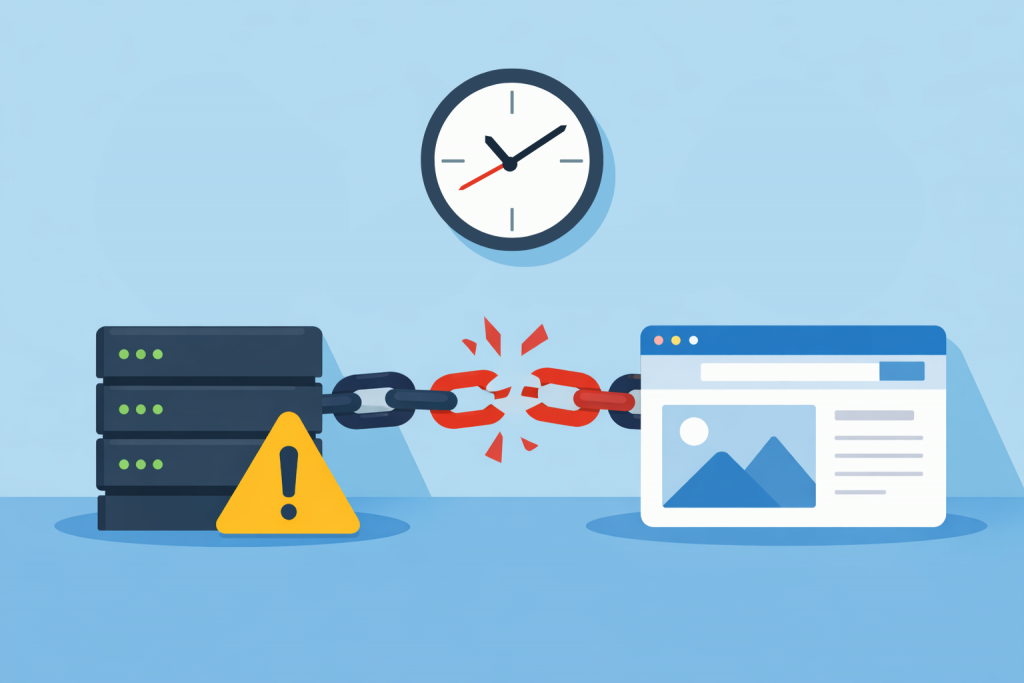
How the lack of time synchronization creates security issues for websites

A server and a website connected by a broken chain, a warning icon next to the server, and a clock on top indicating a time synchronization problem between the systems.
Even minor technical discrepancies can disrupt the stable operation of the service

When it comes to website security, most owners think about passwords, SSL certificates, CMS updates, or protection against attacks. Time often seems like a secondary detail that cannot affect stability or security. In reality, correct time synchronization on a server is the foundation for many security mechanisms. If a server “lives” in its own time zone or is behind by several minutes, this can lead to serious problems that are not always immediately visible.

What Happens When an SSL Private Key Is Leaked

A golden digital key with microchip elements is pointing towards a blue shield with a lock, against a background of clouds, binary code and technical security icons.
Private key as a critical element of protecting encrypted connections

When a user opens a website with a padlock in the browser, they rarely think about what actually stands behind this security symbol. An SSL certificate is a digital document that confirms the authenticity of a website and encrypts transmitted data. At the core of this system is the SSL private key. This is a secret file stored on the server and used to decrypt information encrypted with the public key. Simply put, the private key allows the server to “read” the data sent by the user’s browser. If this key falls into the hands of third parties, the security of the connection effectively ceases to exist.

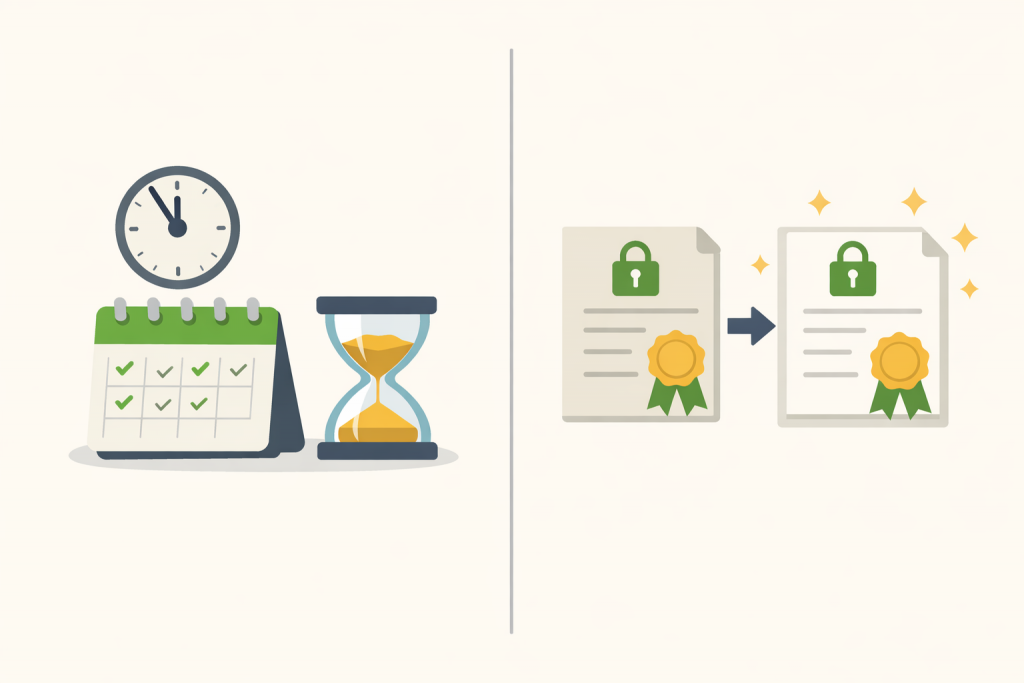
What Is the Difference Between Renewing an SSL Certificate and Reissuing It

A calendar and hourglass as a symbol of the expiration date of an SSL certificate and documents with a lock indicating its renewal and reissue.
Продовження та перевипуск SSL-сертифіката — у чому різниця?

For most users, an SSL certificate is just a “padlock” in the browser that indicates a website can be trusted. In reality, behind this padlock lies a complex technical mechanism that encrypts data between the user’s browser and the server. An SSL certificate confirms the authenticity of a website and protects the transmission of passwords, forms, payment information, and any other data. That is why keeping it valid is critically important. When the expiration date of a certificate approaches or the website’s parameters change, the owner faces two actions that may seem similar at first glance — renewal and reissue. Although these terms are often used as synonyms, in practice they refer to different processes with different consequences.

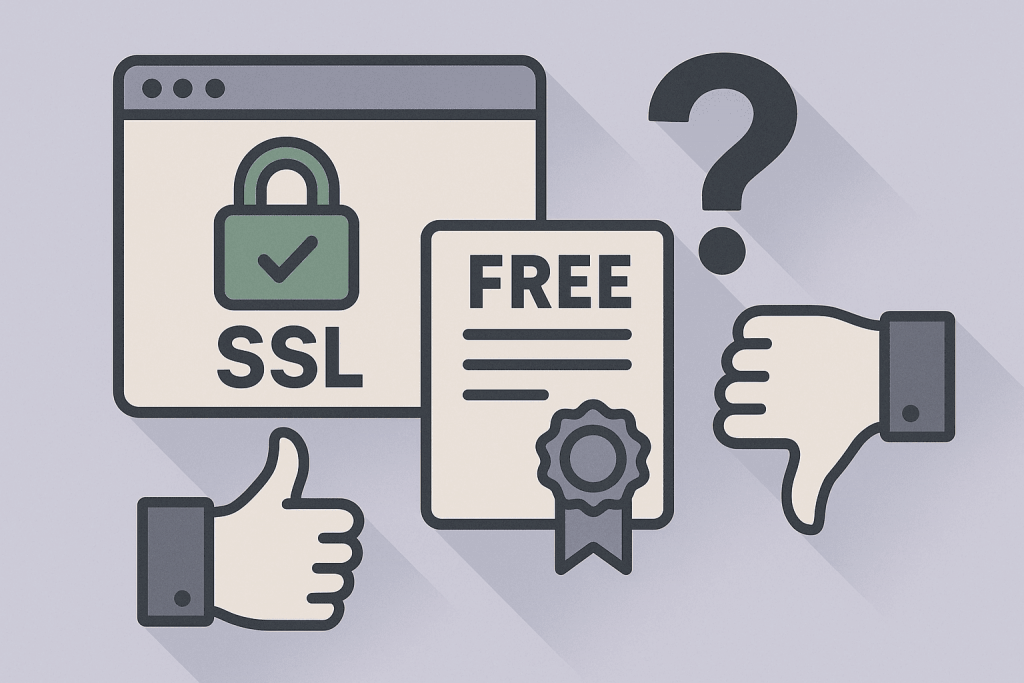
Can You Trust Free SSL Certificates

SSL icon with a green lock next to the FREE certificate, a question mark, and the like and dislike gestures, symbolizing doubts about free SSL certificates.
Free SSL has advantages and limitations — it’s important to consider both sides

In today’s internet, users are accustomed to seeing the green padlock next to a website address and the letters https. For many, this symbol signals a safe resource where data is transmitted securely. However, an important question remains: can free SSL certificates — used by thousands of websites — be fully trusted? To answer this, it’s essential to understand how SSL works, how free certificates differ from paid ones, and what risks actually matter for businesses and users.

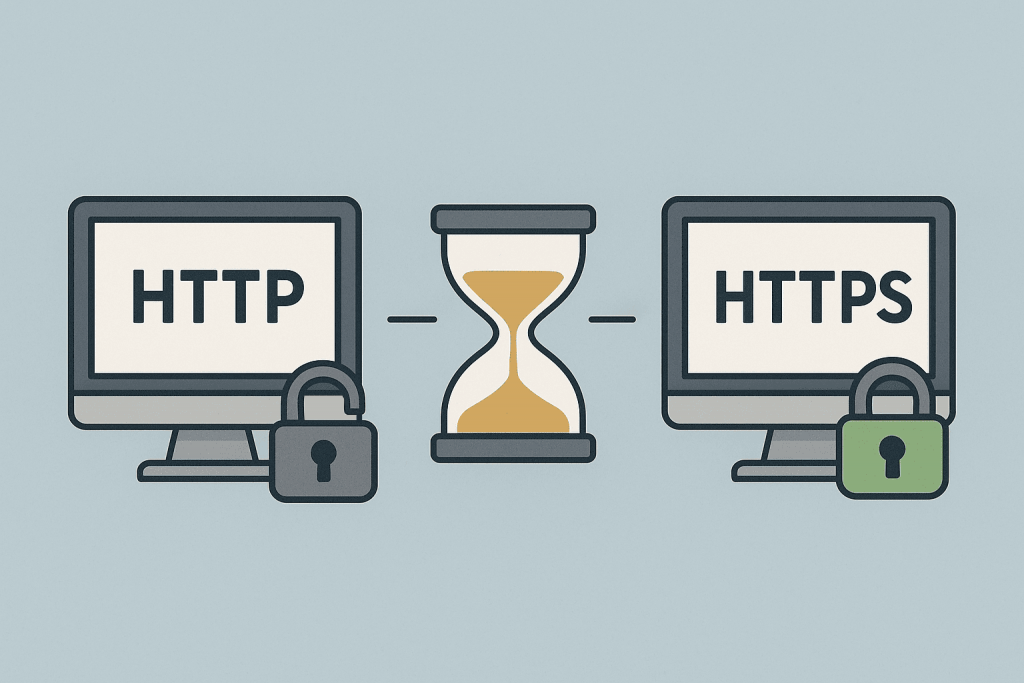
Why the Transition from HTTP to HTTPS Took 20 Years

The screen shows HTTP with an open lock on the left, HTTPS with a closed lock on the right, and an hourglass in between.
The long journey from unencrypted connections to complete web traffic security

The transition of the internet from HTTP to HTTPS seems like an obvious step today, when secure connections have become the standard. However, this process stretched out for nearly two decades. Although HTTPS has existed since the late 1990s, its widespread adoption began only after 2015. The reasons for this delay lie in technical limitations, low availability of certificates, reluctance of website owners to change infrastructure, and even psychological factors. To understand why the entire world took so long to switch to a secure protocol, it’s important to look at the history, technologies, and context of internet development.

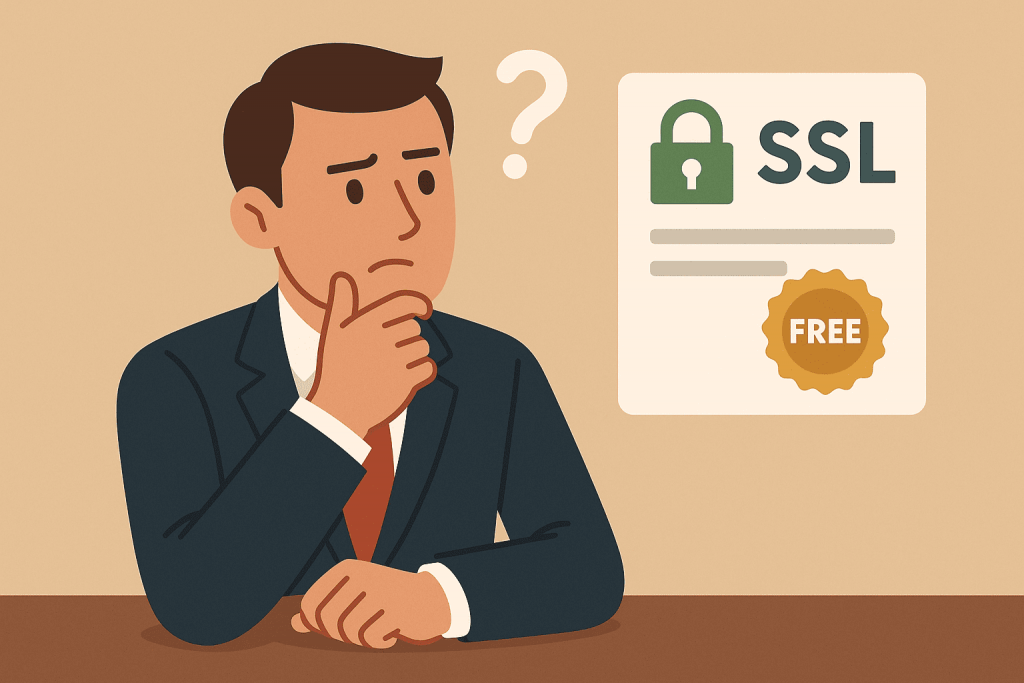
Why Free SSL Certificates Are Not Always Suitable for Business

A man in a suit looks thoughtfully at an image of an SSL certificate marked "FREE."
Which SSL certificate should you choose for your business?

When we talk about website security, the first thing that comes to mind is the SSL certificate. It encrypts the data transmitted between the browser and the server, protecting it from interception. A site with the padlock icon in the address bar appears more trustworthy, which is why many companies use free SSL from Let’s Encrypt and similar providers. However, the question is whether this solution is always suitable for business. In reality, free SSL is a good starting point, but it doesn’t always offer the level of trust, control, and stability required for commercially valuable websites.

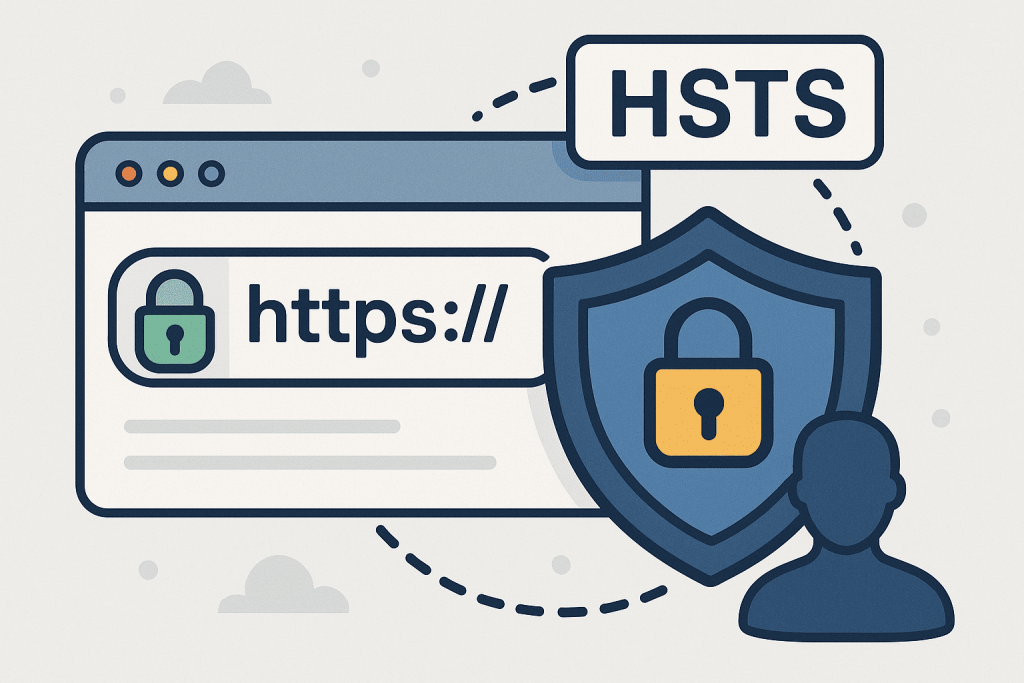
What Is HSTS and How It Protects Users

Browser with HTTPS lock, shield and HSTS inscription, indicating an increased level of security.
HSTS is a technology that guarantees a secure connection and protects users from fake sites

In today’s world, where online security is as essential as a lock on your front door, the HSTS protocol works quietly yet effectively. Every day, millions of people open websites, enter passwords, make purchases, or conduct online banking — often unaware that a hacker could intercept their connection. While an SSL certificate encrypts communication, HSTS ensures that users never connect to a site without HTTPS. It’s as if the browser receives a strict order: “Use HTTPS only — no exceptions.”

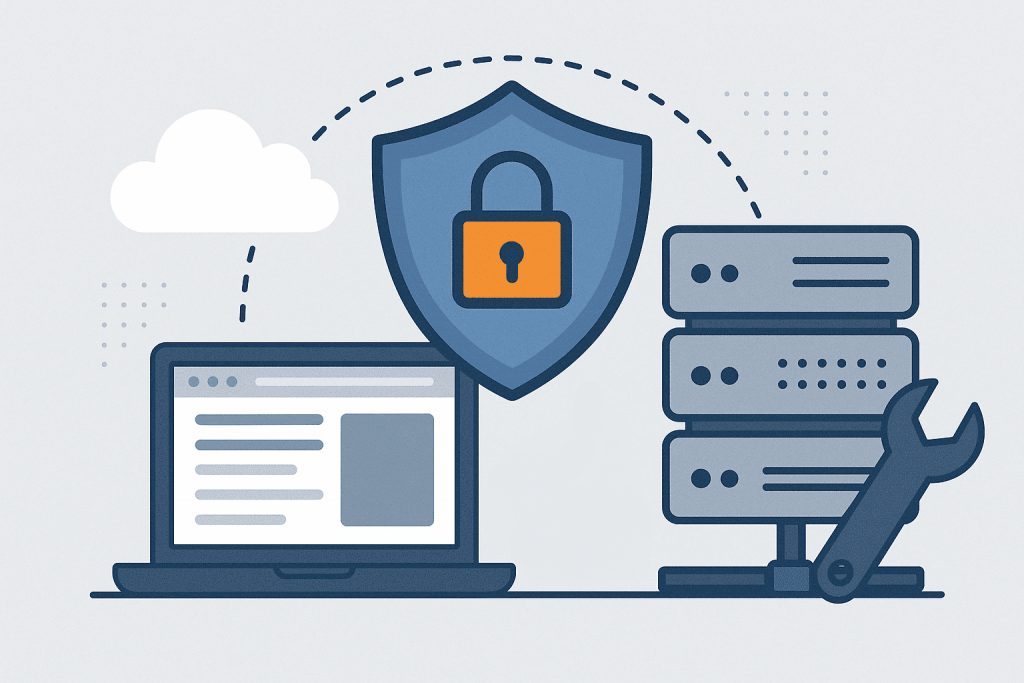
How to Set Up Server Security Before Launching a Website

A laptop, a server, and a shield with a lock are elements that emphasize data protection before launching a site.
Server security before launching a site is the basis for stable operation and user trust

When your website is ready to go live, the most important step is ensuring that the server hosting it is properly secured. Many project owners focus on design, speed, or content but forget the essential foundation — protection against attacks and data leaks. On the internet, every server is a potential target for hackers, so security cannot be postponed. Proper preparation before launch helps avoid most risks and ensures stable website operation from day one.

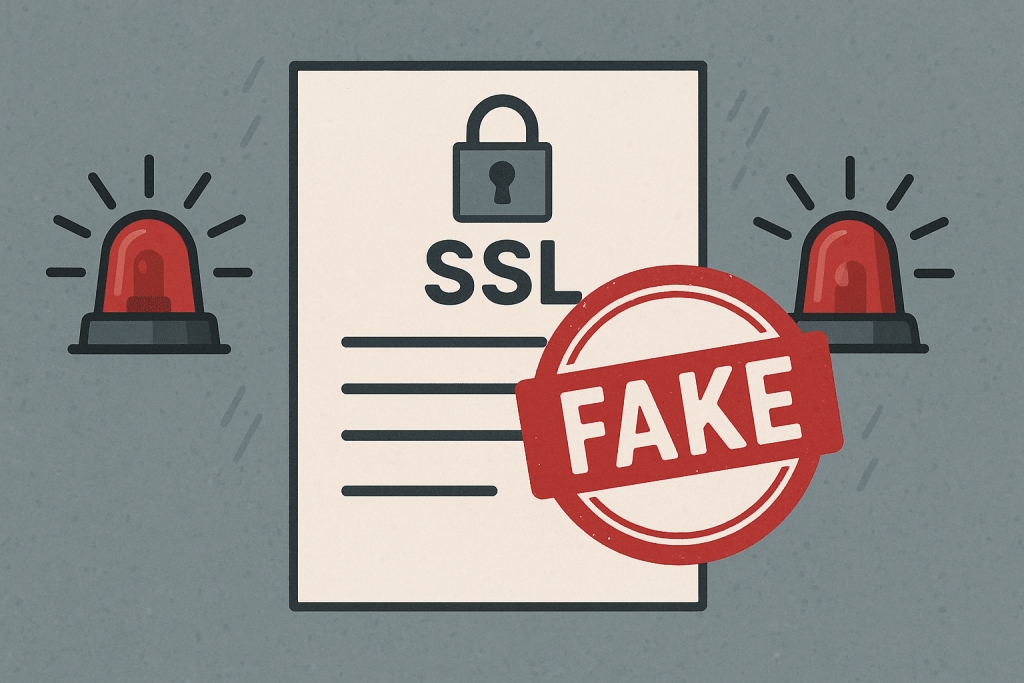
How to Check if Your SSL Certificate Is Genuine

A document with an SSL mark and a large red FAKE seal, with flashing warning lights next to it.
Fake SSL is a threat to site security and user trust

An SSL certificate is more than just a file with keys — it’s proof of your reputation as a website owner. It confirms that you control your domain and ensures that all data exchanged between the user and your server is securely encrypted. However, even if the certificate is installed and the connection shows the “lock” icon, that doesn’t automatically mean everything is safe. Attackers can create fake certificates, replace them during the connection process, or even use stolen keys. In such cases, visitors may see a “secure” site that actually runs on someone else’s server. That’s why it’s essential to know how to verify the authenticity and integrity of your own SSL certificate.

Page 1 of 2

-->