
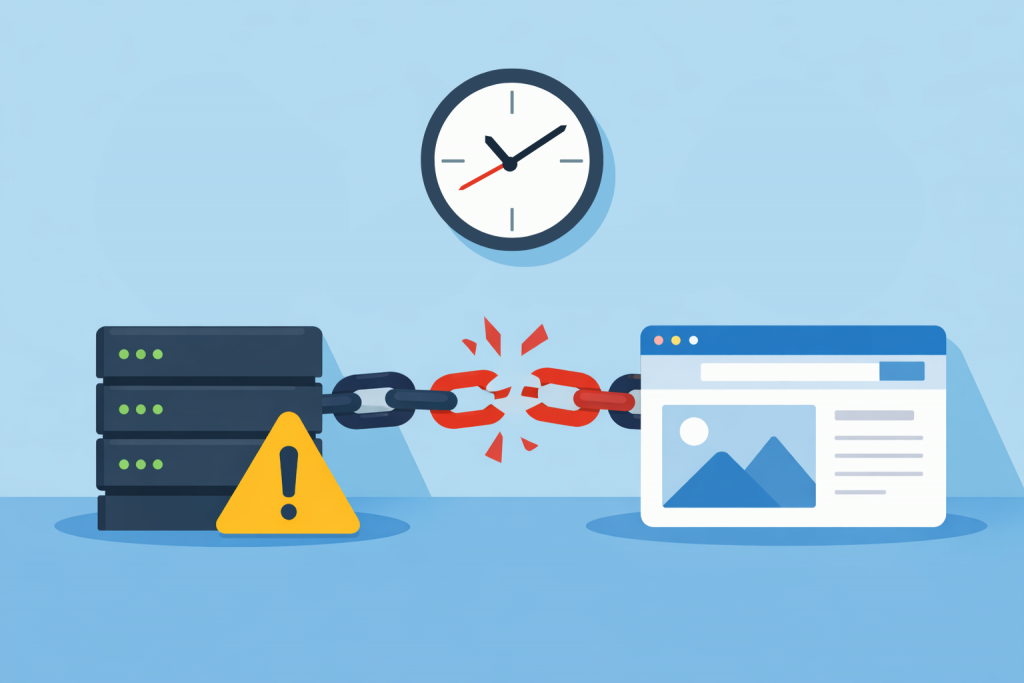
When it comes to website security, people usually mention complex passwords, SSL certificates, or DDoS protection. Time, meanwhile, is perceived as a kind of technical decoration that does not affect stability. Yet it is the correct synchronization of the server clock that forms the foundation on which security mechanisms rely. If a server “lives” in its own dimension or lags by a few minutes, problems appear that are not easy to diagnose right away.
Why accurate time is not a formality
The server constantly exchanges data with external services, where time acts as the main point of reference. Every request, authorization, or log entry receives a timestamp. When the system clock is off, these marks lose their meaning – the system can no longer properly arrange the sequence of events.
Users see this as strange glitches: sudden session termination, inability to log into an account, or system warnings. Often the cause is not in the code, but in the fact that the server simply has not synced its clock with reference sources.
Conflict with SSL and HTTPS
The SSL certificate mechanism is extremely sensitive to time frames. Any certificate has a strictly limited validity period. When verifying a connection, the browser compares these dates with the current server time. If there is a significant mismatch, the secure protocol is considered invalid.
As a result, the visitor receives a warning about an unsafe connection. For an online store or a service that handles payment data, this means an instant loss of trust and customers, even if the certificate itself is perfectly valid.
Authorization and “expired” keys
Modern authentication methods are often tied to time. One-time codes (TOTP), access tokens, and sessions all have their own “expiration.” The server checks each time whether a key is still valid, relying on its own settings.
When there is desynchronization, two extremes appear. In the best case, the user will be constantly “kicked out” of the system due to an alleged session expiration. In the worst case, an attacker may be able to use old tokens that, by security logic, should have already turned into a pumpkin.
Event logs when the investigation hits a dead end
Logs are the only source of truth when analyzing attacks or technical failures. It is through them that an administrator reconstructs the timeline: where the request came from and what exactly broke. If the timestamps do not match real time, it becomes almost impossible to piece together scattered facts.
Imagine a situation where an incident happened at 14:00, but the log entries are dated in the morning or have completely chaotic marks. Even an experienced specialist will spend hours “decoding” such a picture, risking missing critical details because of a simple timestamp shift.
Interaction with the outside world
Websites rarely exist in isolation. They interact with payment gateways, third-party APIs, or mail servers. Most of these platforms check the request time as a basic security element. A large discrepancy – and the request is instantly rejected as suspicious.
In practice, this looks like “unexplained” payment failures or API connection errors. You can spend a long time looking for bugs in scripts, while the issue is solved by simply synchronizing the system time.
Specifics for VPS and dedicated server owners
On virtual (VPS) and dedicated servers, control over system settings lies entirely with the administrator. Unlike regular hosting, where the provider monitors basic parameters, here you are responsible for how system services operate. Without proper attention, server time gradually begins to drift.
Over time, the error accumulates, turning from seconds into minutes. That is why, when setting up a new machine, checking automatic time synchronization should be on the list of first tasks. It is that basic infrastructure element that makes the system predictable and protects the project from many non-obvious problems.
Leave a Reply
You must be logged in to post a comment.