The presence of HTTPS does not guarantee the integrity of the site
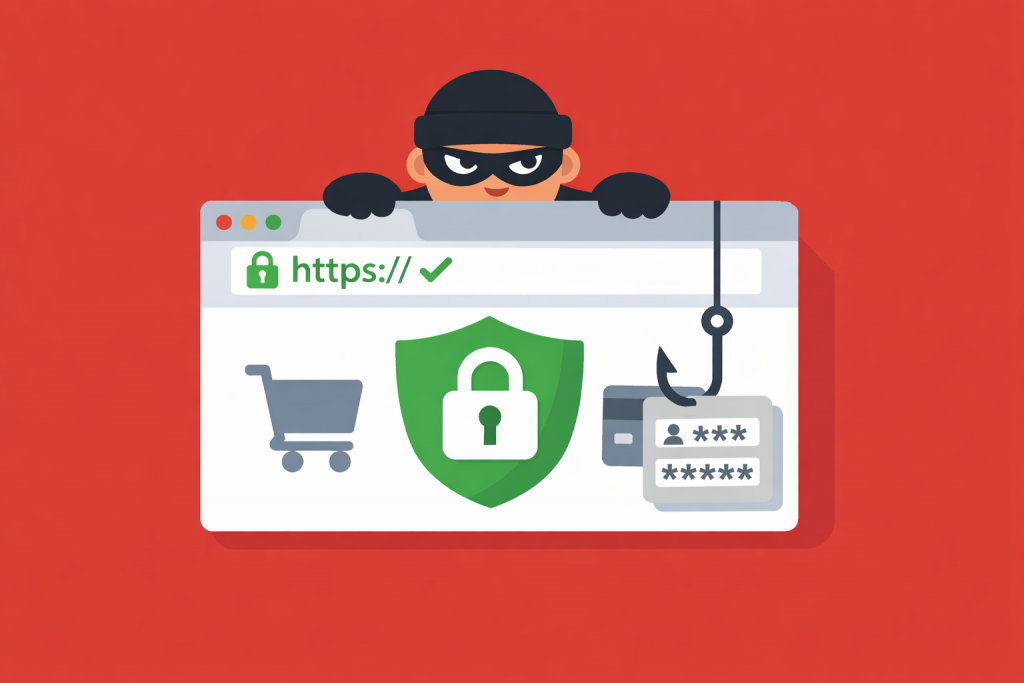
The padlock icon in the browser’s address bar has long been seen as the main marker of safety. Users got used to a simple rule: if there is HTTPS – there is trust. However, today this symbol has become a mandatory standard even for phishing pages, and the presence of an SSL certificate no longer guarantees that you are on a legitimate resource.
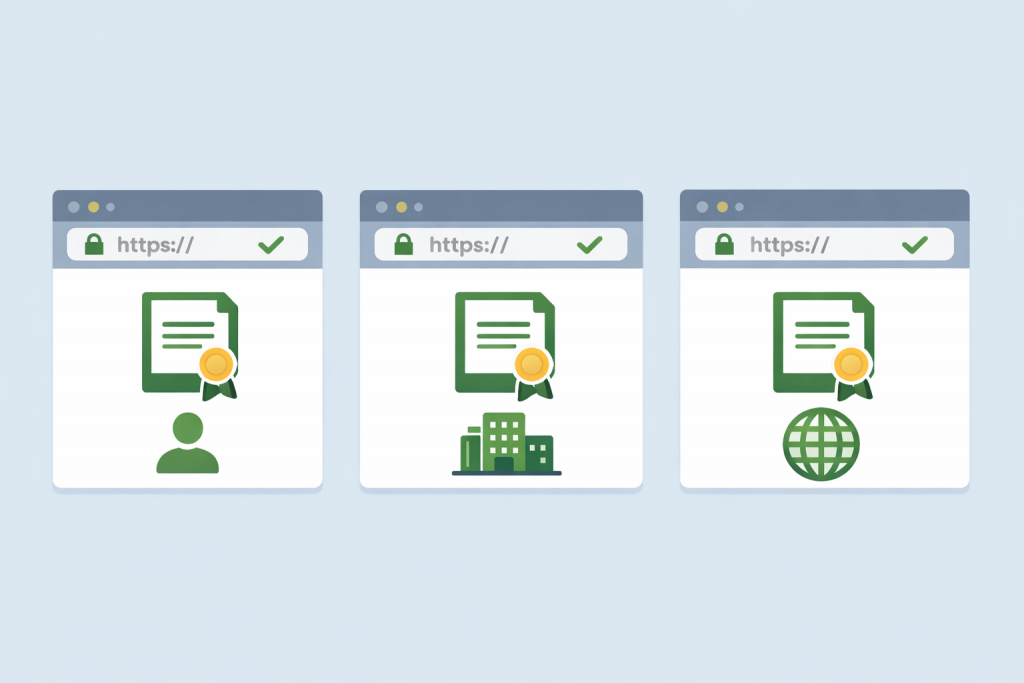
The type of certificate depends on the format and tasks of the site
An SSL certificate works like a digital passport for a website. It doesn’t just “enable” encryption – it creates a secure tunnel through which passwords, card details, or personal messages travel from the browser to the server as a chaotic set of characters. Intercepting them in this state is technically possible, but reading them is not. The user sees the result of this process as a lock icon in the browser, while the site owner gains the loyalty of search engines, which давно have made SSL a mandatory technical standard.
Even minor technical discrepancies can disrupt the stable operation of the service
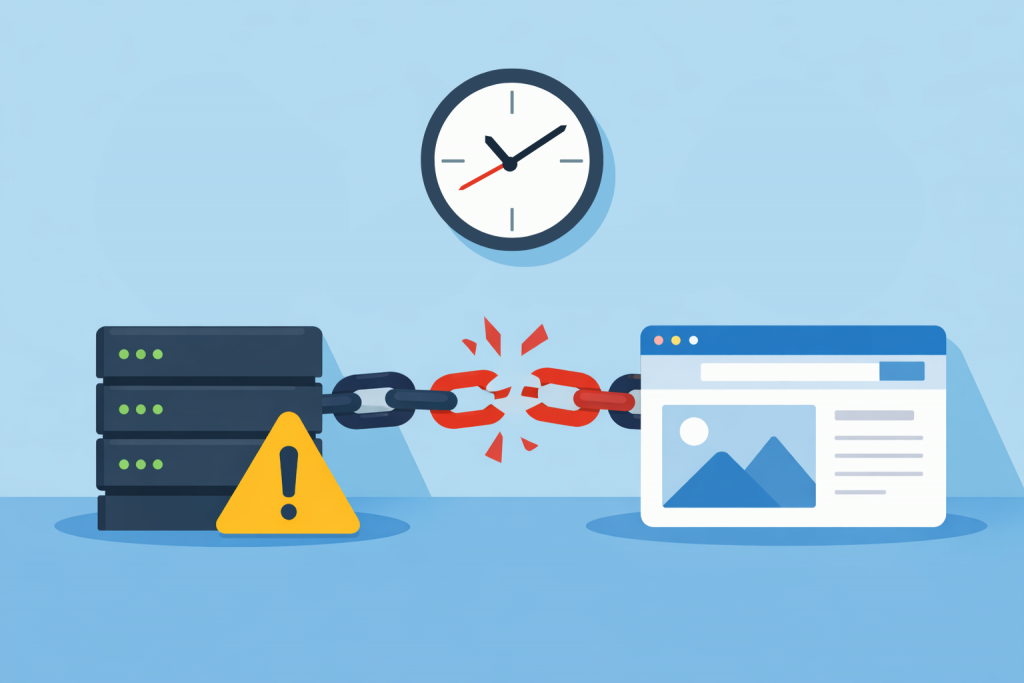
When it comes to website security, people usually mention complex passwords, SSL certificates, or DDoS protection. Time, meanwhile, is perceived as a kind of technical decoration that does not affect stability. Yet it is the correct synchronization of the server clock that forms the foundation on which security mechanisms rely. If a server “lives” in its own dimension or lags by a few minutes, problems appear that are not easy to diagnose right away.
Secure connection as the basis for user trust when browsing sites from a smartphone
Mobile internet has become the main way millions of people access websites. A smartphone is always at hand: people read news, place orders, log into banking services and personal accounts from it. In this format of interaction, security stops being an abstract technical concept and directly influences user behavior. An SSL certificate in the mobile environment performs several important roles at once, which often go unnoticed but determine whether a person will trust a website and continue using it.
Private key as a critical element of protecting encrypted connections
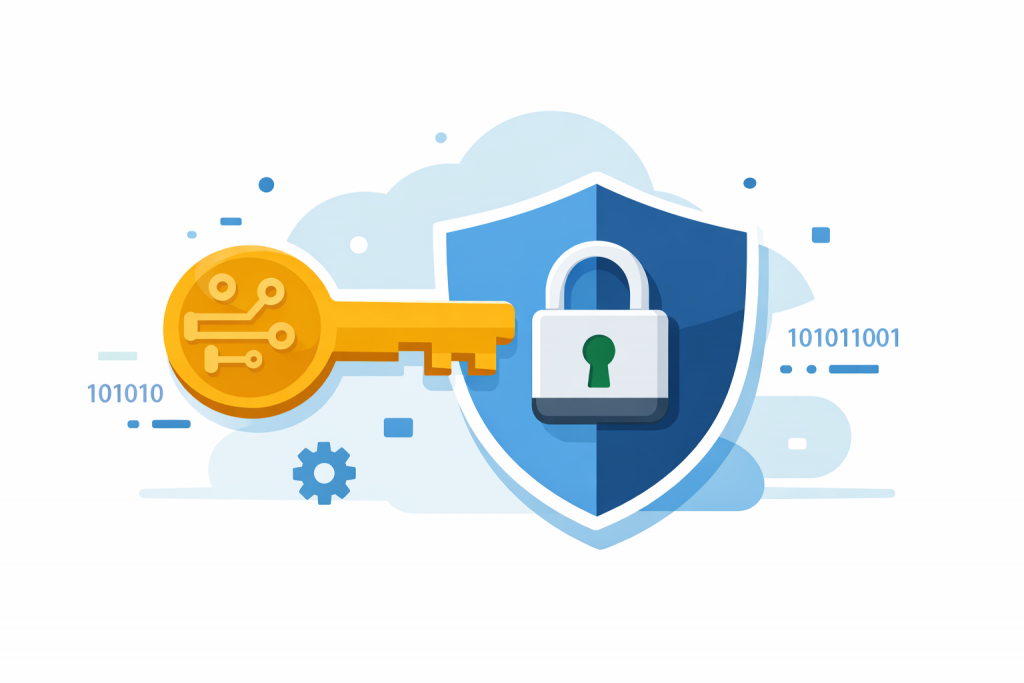
When a user opens a website with a padlock in the browser, they rarely think about what actually stands behind this security symbol. An SSL certificate is a digital document that confirms the authenticity of a website and encrypts transmitted data. At the core of this system is the SSL private key. This is a secret file stored on the server and used to decrypt information encrypted with the public key. Simply put, the private key allows the server to “read” the data sent by the user’s browser. If this key falls into the hands of third parties, the security of the connection effectively ceases to exist.
Продовження та перевипуск SSL-сертифіката — у чому різниця?
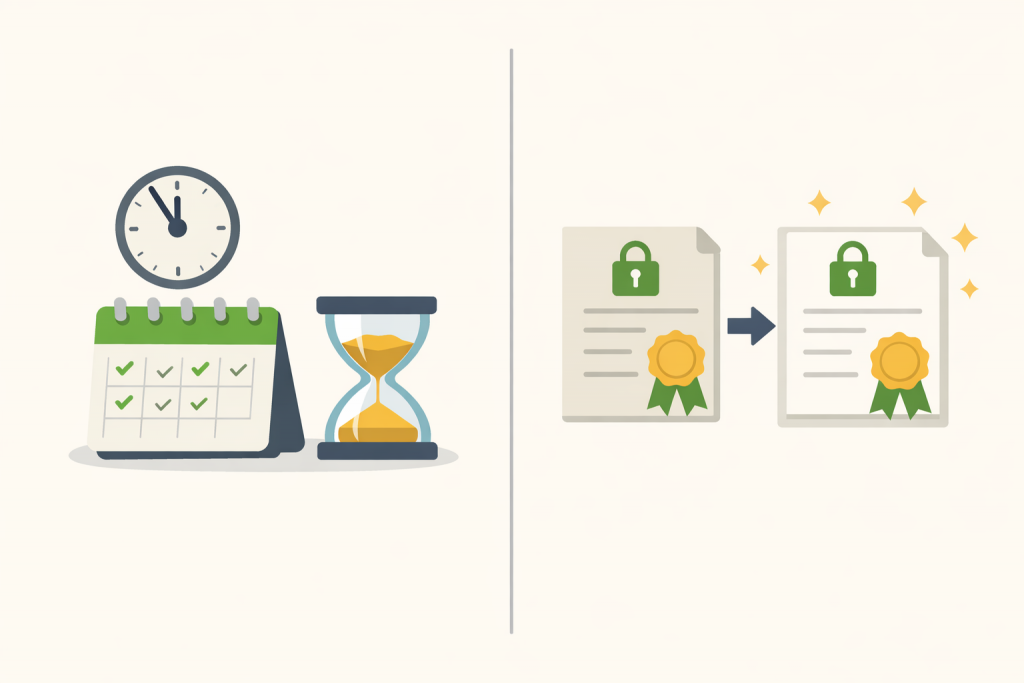
For most users, an SSL certificate is just a “padlock” in the browser that indicates a website can be trusted. In reality, behind this padlock lies a complex technical mechanism that encrypts data between the user’s browser and the server. An SSL certificate confirms the authenticity of a website and protects the transmission of passwords, forms, payment information, and any other data. That is why keeping it valid is critically important. When the expiration date of a certificate approaches or the website’s parameters change, the owner faces two actions that may seem similar at first glance — renewal and reissue. Although these terms are often used as synonyms, in practice they refer to different processes with different consequences.
Backup and replication solve different data preservation and availability problems
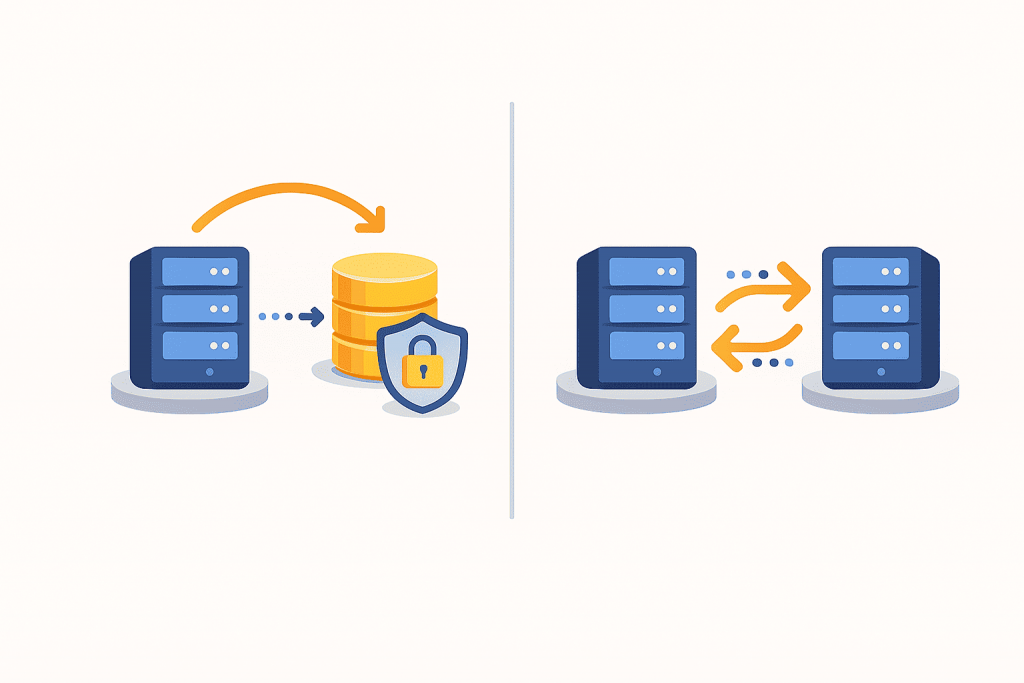
In today’s digital world, data has become one of the most valuable resources. Photos, documents, websites, customer databases, accounting records — all of this is stored electronically and requires protection. When it comes to data security, two terms are mentioned most often: backup and replication. For many users, they sound similar because both involve copying information. However, in practice these are different approaches that solve different problems. Understanding this difference is important not only for system administrators, but also for website owners, businesses, and anyone who stores important data.
Free SSL has advantages and limitations — it’s important to consider both sides
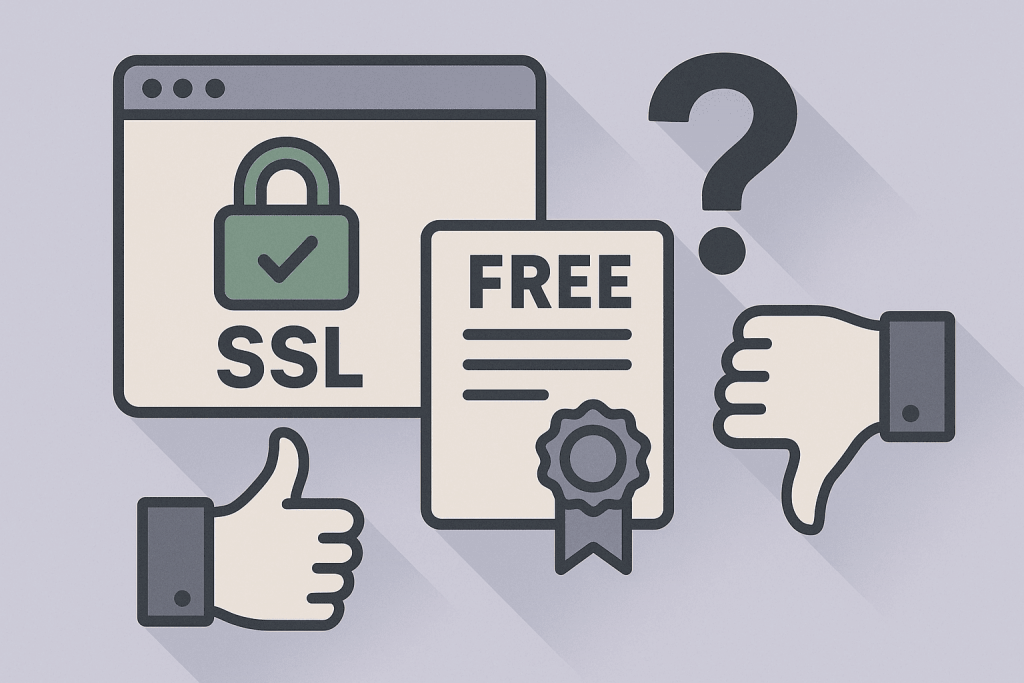
In today’s internet, users are accustomed to seeing the green padlock next to a website address and the letters https. For many, this symbol signals a safe resource where data is transmitted securely. However, an important question remains: can free SSL certificates — used by thousands of websites — be fully trusted? To answer this, it’s essential to understand how SSL works, how free certificates differ from paid ones, and what risks actually matter for businesses and users.
Bug fixes maintain stability no less than system updates
In the modern digital environment, most users are accustomed to perceiving updates as something big and noticeable: new design, features, interfaces or capabilities that immediately catch the eye. Updates are associated with something significant that adds new potential to a system. At the same time, bug fixes — meaning corrections of errors in software — often seem less noticeable and even “boring.” However, in reality, they are fundamentally important and, in some cases, even more critical than large-scale updates. To understand why, it’s worth examining the nature of bugs, their impact on stability and security, and how to correctly evaluate the quality of software.
The emergence of Let’s Encrypt became one of the most important milestones in the history of internet security. Until 2015, obtaining an SSL or TLS certificate was a complex, expensive, and time-consuming process. Many website owners postponed switching to HTTPS because they had to navigate bureaucratic procedures, wait for certificate approval, and manually configure their servers. This created a paradox: the technology for protecting data existed, but access to it remained limited. Let’s Encrypt made security widespread, affordable, and automated — transforming not only the approach to encryption but also the architecture of the internet as a whole.