
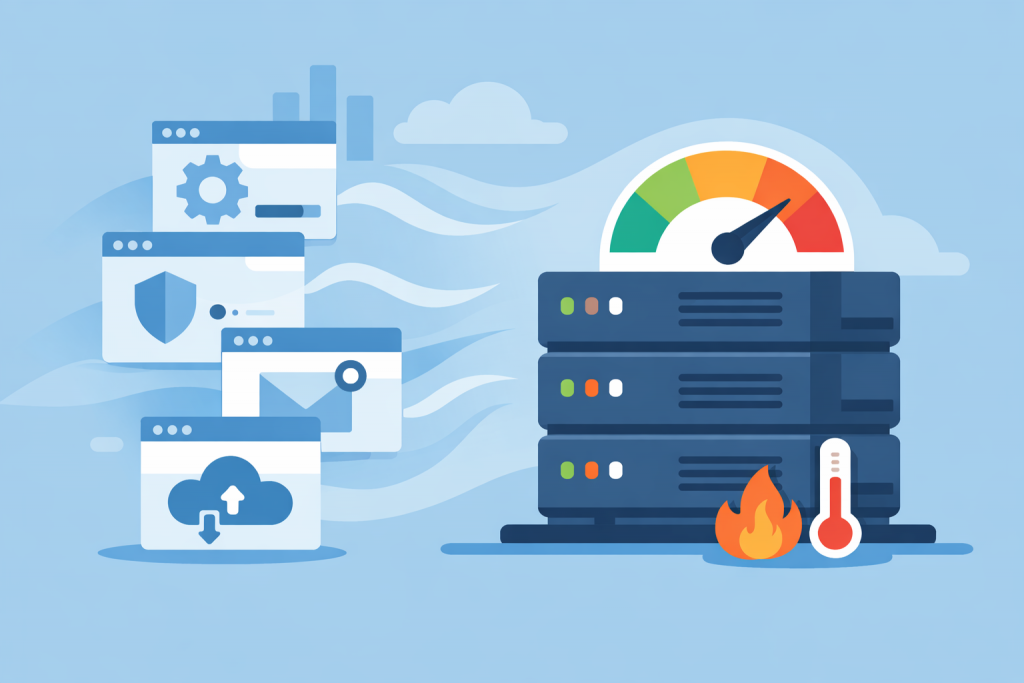
VPS is often perceived as a “clean” server where all resources are available only to a specific website or application. The user expects that if nothing unnecessary is running, the CPU, memory, and disk will be used minimally. In reality, even in a state of relative idle, a server is never completely empty. Dozens of processes constantly run in the background, invisible at first glance, but it is precisely they that gradually consume VPS resources.
Background processes are programs and services that start automatically with the system or appear during its operation without direct user involvement. They can be useful and necessary, but together they create a constant load that is not always obvious, especially for those without deep technical experience.
The Operating System as the Main Source of Background Load
Even a “clean” Linux or Windows Server operating system does not function on its own. It consists of a large number of services responsible for networking, event logging, security, updates, and stability. For example, the system constantly maintains logs—special journals where information about all events is recorded. Each entry means disk access and the use of CPU time.
Update services are worth mentioning separately. They regularly check for new packages, download information from repositories, and may consume both traffic and RAM. Even if updates are not installed automatically, the checking process itself already creates load that accumulates over time.
Security Services and Their Hidden Cost
Security on a VPS is critically important, but it is often the source of constant background resource consumption. Antivirus solutions, intrusion detection systems, and firewalls operate continuously. They analyze network connections, inspect files, and scan active processes.
For the user, this looks like “protection is enabled and everything works,” but in practice each check means additional CPU and memory load. On low-powered VPS instances, even a basic antivirus can noticeably reduce website performance, especially during peak moments.
Web Server and Background Tasks of Websites
Even if a website has no visitors, the web server does not remain idle. It maintains open connections, checks configurations, and processes internal timers. In addition, many websites use background tasks—automated actions executed on a schedule. These can include update checks, cache cleanup, report generation, or sending emails.
Cache is a temporary data storage that speeds up website operation. However, updating and clearing it also requires resources. If there are many such tasks or they are configured inefficiently, the server begins to spend a significant portion of its capacity not on real users, but on internal “housekeeping.”
Databases and Constant Activity in the Shadows
A database is a separate program that runs in parallel with the website. It does not shut down between requests but constantly occupies part of the RAM, caches data, and performs internal checks. Even without active queries, the database may periodically optimize tables, write logs, or perform maintenance operations.
This is invisible to the user, but on VPS instances with limited memory, the database often becomes the reason for overall system slowdowns. When background operations coincide with peak website load, delays appear that are difficult to explain without in-depth analysis.
Automation and Task Schedulers
A task scheduler is a mechanism that runs programs on a schedule. In Linux it is known as cron; in Windows it has a different name, but the essence is the same. It is used to automate backups, file synchronization, system checks, and many other actions.
The problem is that over time, too many such tasks accumulate. Some of them may no longer be relevant but continue to run. Each such execution creates load regardless of whether users are present on the server at that moment.
Why Background Processes Are Especially Noticeable on VPS
Unlike a dedicated server, a VPS has strictly limited resources. CPU cores, RAM, and disk speed are allocated in fixed amounts that cannot be exceeded. Therefore, even small background processes are felt more strongly here than on a powerful physical server.
When several services consume resources simultaneously, the system starts to conserve them. It processes requests more slowly, takes longer to load pages, and may sometimes temporarily “freeze.” The user sees only the result, unaware that the cause lies in dozens of small processes working behind the scenes.
How Understanding Background Activity Helps Use VPS More Efficiently
Understanding that a VPS never operates “at zero” changes the approach to using it. A server is a living system where each service has its cost in resources. The more automation, security, and services are enabled, the higher the configuration requirements.
That is why it is important not only to run a website or application but also to regularly review what is happening in the background. Awareness of the role of background processes makes it possible to realistically assess the required VPS plan and avoid situations where the server is formally “empty” but in fact constantly overloaded.
Leave a Reply
You must be logged in to post a comment.