Tag: Server Resources

Why Downgrading to a Lower VPS Plan Is Technically Impossible

Two servers stand on separate platforms connected by a broken wooden bridge: the left server is lifting a barbell, the right one looks overloaded and unstable, with a structural break visible between them.
Technical limitations that arise when trying to reduce allocated server resources

Many VPS users perceive a plan as a conditional “package” of services that can be freely increased or decreased depending on their needs. Upgrading a plan usually causes no issues: more resources mean more possibilities. However, when it comes to switching to a lower plan, clients often face a refusal and do not understand why the provider cannot simply “reduce” the server. In reality, this impossibility has not a commercial but a purely technical nature, related to how virtualization and server infrastructure work.

What happens to a VPS when it runs out of RAM

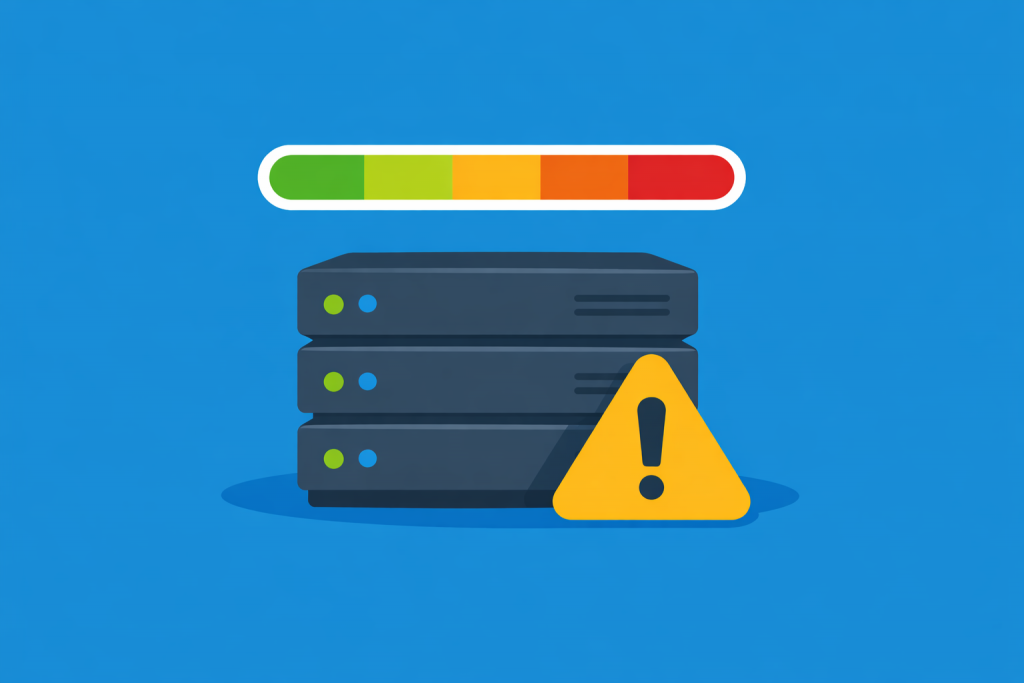
A server rack with several servers, next to a yellow warning sign, and above them a resource fill indicator that changes from the green zone to red.
RAM shortage as a critical moment for stable server operation

Random access memory, or RAM, is the resource where a server stores data that programs need to operate “right now.” This includes website code, databases, cache, operating system processes, and system services. Unlike disk storage, RAM works very fast but has a limited capacity. On a VPS, the amount of RAM is fixed by the tariff plan, and the server cannot automatically use more memory than it has been allocated. As a result, the stability of a VPS directly depends on whether there is enough RAM to handle the current load.

How Background Processes Consume VPS Resources

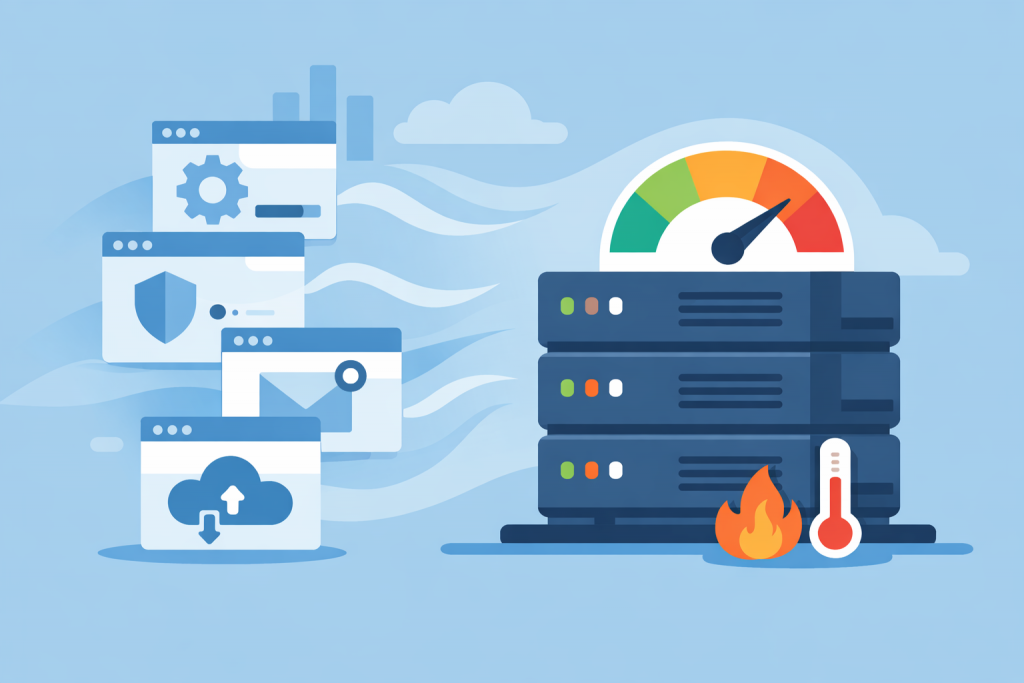
Servers with a high load indicator, background processes in the form of service windows, and overheating and overconsumption of VPS resources icons.
Impact of internal system processes on VPS load

VPS is often perceived as a “clean” server where all resources are available only to a specific website or application. The user expects that if nothing unnecessary is running, the CPU, memory, and disk will be used minimally. In reality, even in a state of relative idle, a server is never completely empty. Dozens of processes constantly run in the background, invisible at first glance, but it is precisely they that gradually consume VPS resources.

-->