
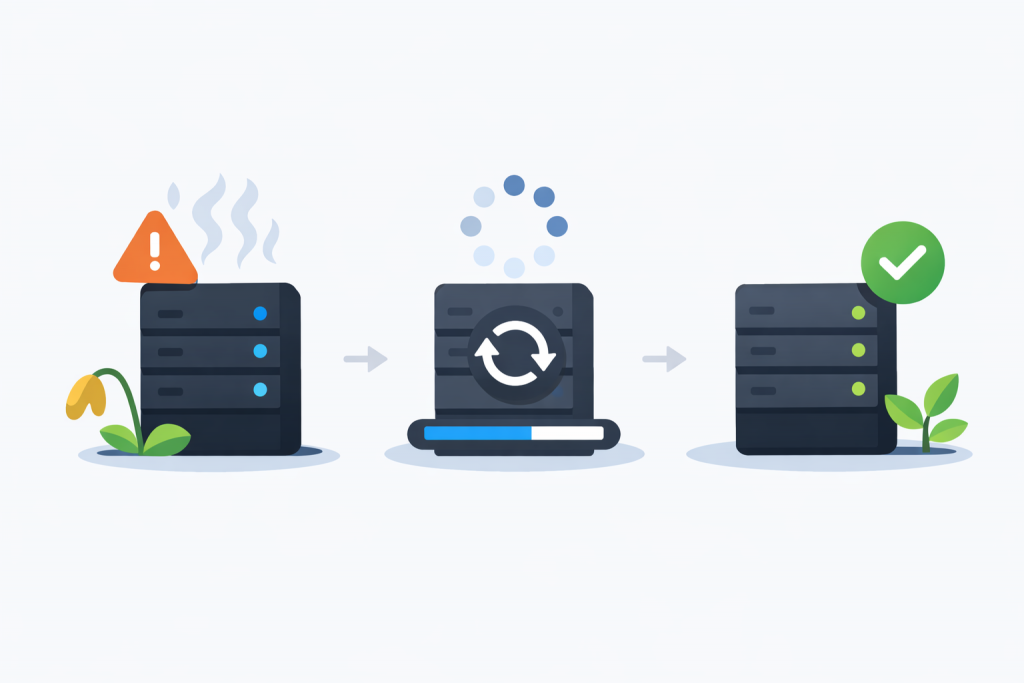
A scenario where a VPS “flies” right after launch, and a week later starts slowing down hopelessly, is familiar to anyone who has ever set up hosting. From the outside it looks like a sudden failure, but usually the problem matures over days. A server is not a static box, but a dynamic environment. If the processes running inside it do not return resources back to the system, stability is gradually exhausted.
Degradation due to memory leaks
Most often performance is “eaten” by RAM. Everything consumes it: from the web server and database to small background scripts. When there are errors in the application code, memory is not freed after an operation completes. Such leaks are insidious – in the first hours they go unnoticed, but after a few days the amount of free space becomes critically low, and the system literally starts to suffocate.
The swap file trap
When physical memory runs out, the server tries to survive using swap – allocated disk space that imitates RAM. The problem is that even the fastest NVMe drive is slower than a memory module. The user sees this as endless page loading: the system spends resources not on executing scripts, but on constantly shuffling data between disk and memory.
“Tails” of unfinished processes
It happens that PHP scripts hang, and database connections are not closed properly. Each such “forgotten” process remains in the table and continues to hold its share of resources. Over time their number accumulates to the point where the server simply lacks the capacity to handle new requests from real visitors. A reboot here works like a temporary “crutch” – it forcibly clears the queue, but does not fix the cause of these leftovers.
CPU load
High CPU activity is another factor with a cumulative effect. Complex database queries or background tasks that run incorrectly keep the processor under constant strain. If the load consistently stays near the upper limit, the response of services becomes slower and slower. At some point the request queue becomes critical, and the server simply stops responding.
Conflicts after updates
Changes in configuration or package updates are often applied “on the fly” without restarting the relevant services. For a while components may coexist by inertia, but after some time old settings begin to conflict with new libraries. This produces strange errors that are hard to diagnose, because they do not appear immediately after the change, but days later.
The “clean slate” effect
Restarting a VPS instantly brings back speed, because it resets all counters and clears memory. This creates the illusion that the situation is fixed, while in reality we have only postponed the next failure. Without analyzing which service is “leaking” or clogging the CPU queue, the slowdown scenario will repeat with cyclical precision.
How to achieve stability
For a VPS to run for months without intervention, you need control over resource consumption over time. A properly configured web server, optimized database queries, and regular audits of background tasks allow the system to clean itself. Then the server remains predictable, and response speed does not depend on the date of the last reboot.
Leave a Reply
You must be logged in to post a comment.