Month: February 2026

How the lack of time synchronization creates security issues for websites

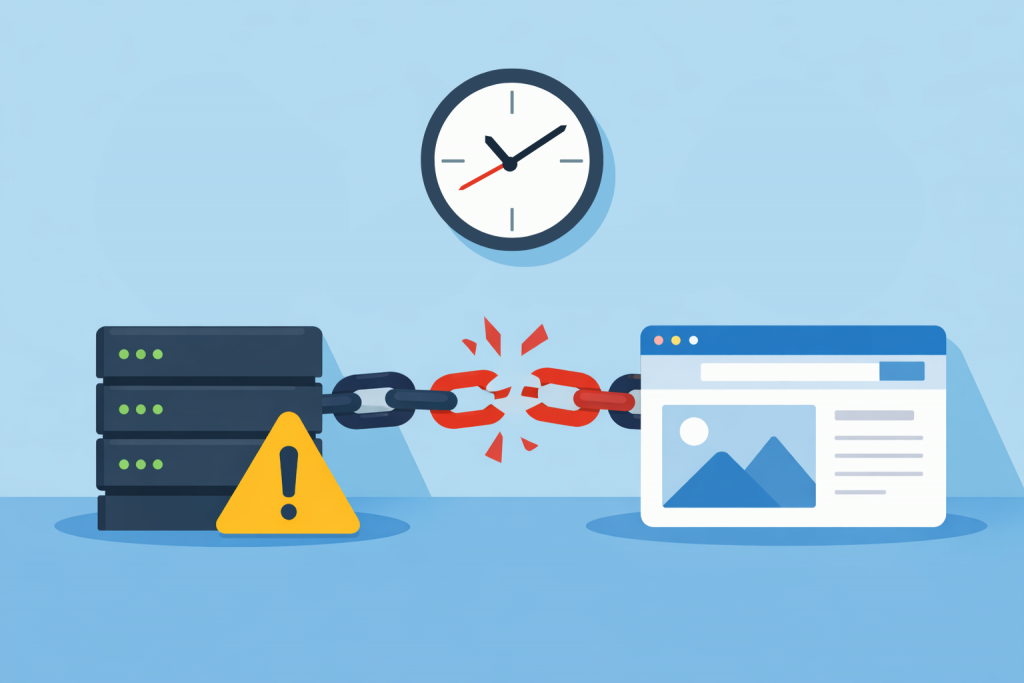
A server and a website connected by a broken chain, a warning icon next to the server, and a clock on top indicating a time synchronization problem between the systems.
Even minor technical discrepancies can disrupt the stable operation of the service

When it comes to website security, most owners think about passwords, SSL certificates, CMS updates, or protection against attacks. Time often seems like a secondary detail that cannot affect stability or security. In reality, correct time synchronization on a server is the foundation for many security mechanisms. If a server “lives” in its own time zone or is behind by several minutes, this can lead to serious problems that are not always immediately visible.

Why a VPS Stops Responding After Several Days Without a Reboot

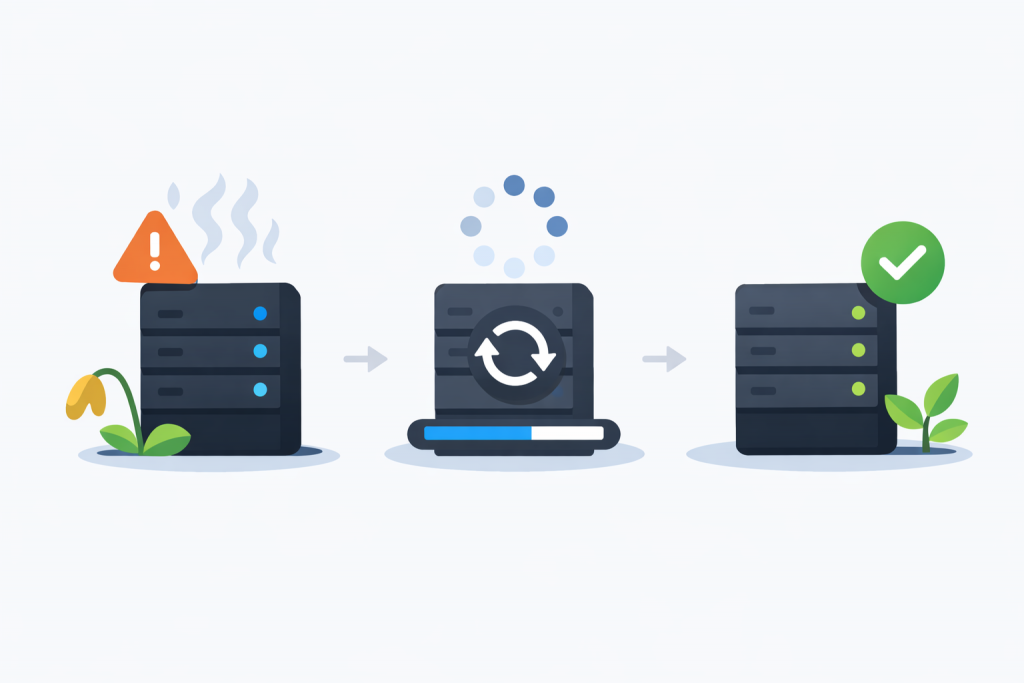
A server with an error warning, a reboot process, and a recovered server with a stable state and active indicators.
Regular updates and restarts return the server to stable operation

Many website and online service owners notice a similar pattern: immediately after launch or a reboot, a VPS works fast and without issues, but after a few days the server starts to slow down, takes longer to respond to requests, or becomes completely unavailable. At first glance, it may seem like the problem appears suddenly, but in reality it builds up gradually. A virtual server is a living system where processes continuously consume resources, and if those resources are not released correctly, overall stability decreases over time.

When Increasing the Number of CPU Cores Does Not Improve Performance

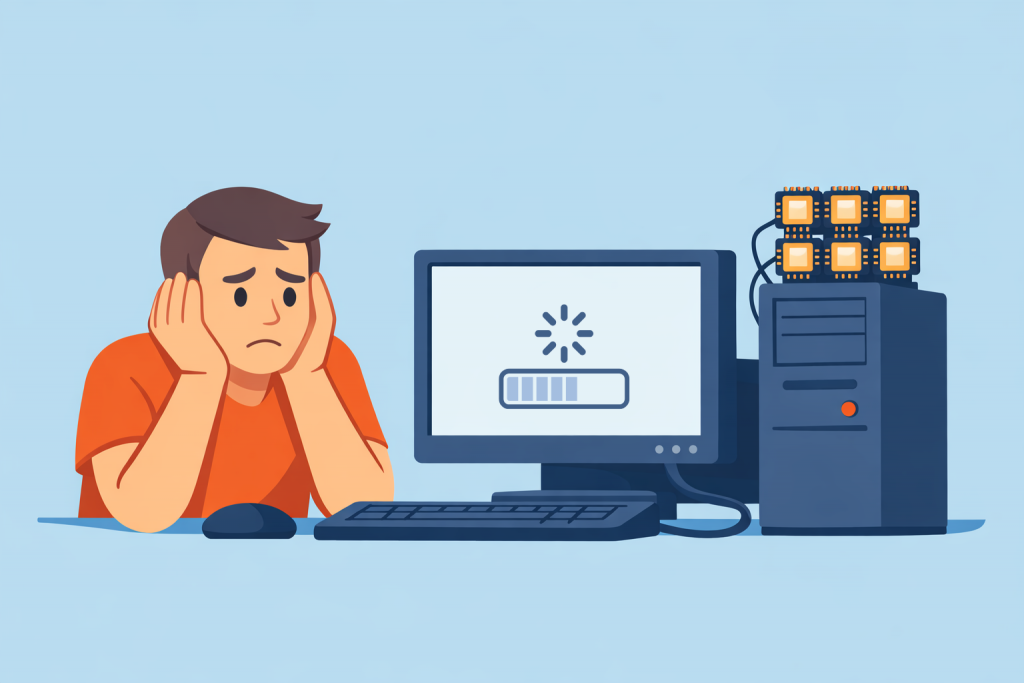
A user at a computer waiting to download, next to a server with many processor cores, showing the lack of performance gain from their number.
More cores do not guarantee faster server performance

When choosing a VPS or a dedicated server, many users first look at the number of CPU cores. The logic seems simple: more cores mean higher performance and faster operation of the project. In practice, this rule does not always work. In many cases, increasing the number of cores does not deliver the expected effect and sometimes does not affect the actual speed of a website or service at all. To make the right server choice, it is important to understand how the processor is used under different types of workloads.

How an Incorrect Cache Size Leads to Constant Website Delays

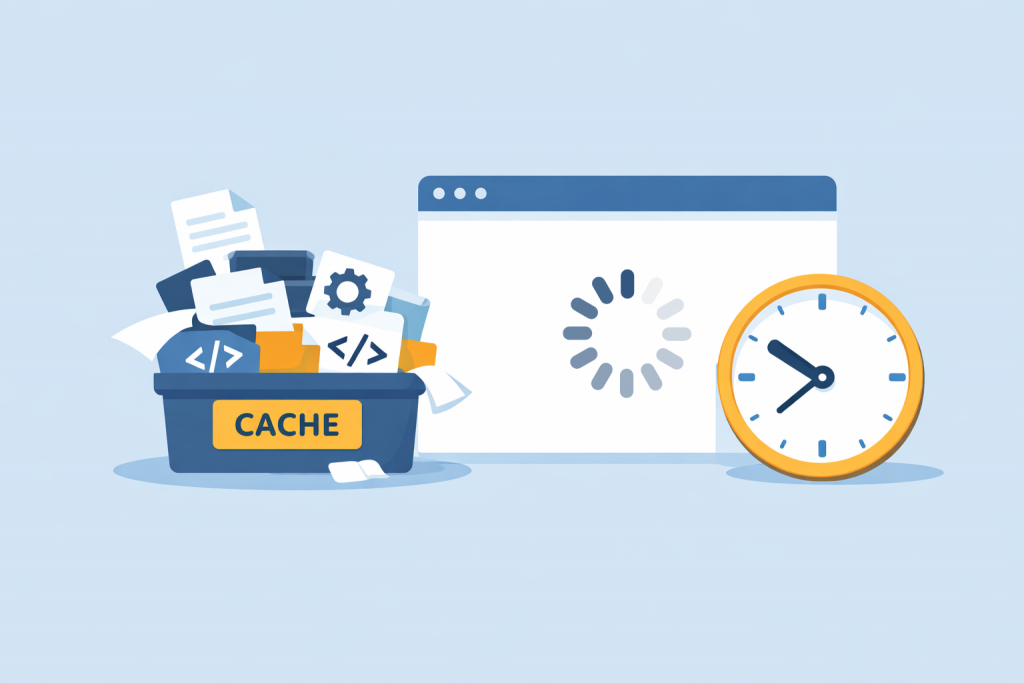
A container labeled cache, filled with files, code, and settings icons, next to a browser window with a loading indicator and a clock, emphasizing the long wait for the site to respond.
Incorrect caching settings affect site speed

Website performance directly affects user behavior, search engine rankings, and overall brand perception. When pages start loading slowly, site owners often look for the problem in design, code, or hosting. In practice, however, a frequent cause of recurring delays is incorrectly configured caching. This is not about the absence of a cache, but about an inappropriate cache size that does not take the actual load on the website into account.

Page 2 of 2

-->