
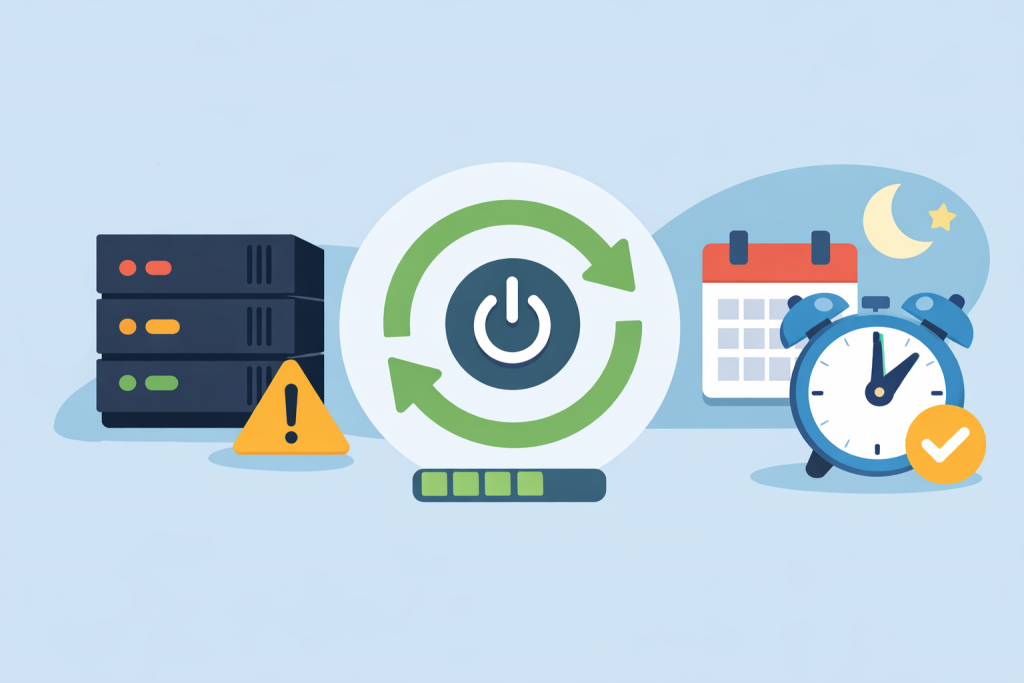
There is a false belief that a physical server is some kind of “iron rock” that should run for years without a single stop. The owner’s logic is understandable: plenty of resources, no noisy neighbors on shared hosting, the system feels stable. Yet in real operation, an uptime of several years usually points not to reliability, but to the absence of critical security updates in memory. A scheduled restart is not a fix for a problem, but a routine procedure that helps avoid performance degradation and hidden vulnerabilities.
The effect of accumulated system fatigue
Even in well-tuned operating systems, constant load leads to micro-failures. Processes handle thousands of requests, and memory is not always freed perfectly. Over time, a situation appears where monitoring shows gigabytes of free RAM, but the system starts to “lag” or respond with delays.
This is the result of resource fragmentation or the buildup of temporary files that interfere with normal disk subsystem operation. A reboot forcibly clears queues and returns the server to a state where response becomes predictable, like on the first day after setup.
Updates that “didn’t take”
There is a technology for updating the kernel without rebooting (like LivePatch), but it has its limits and does not replace a full restart. Most system fixes related to CPU handling, network cards, or memory only become active after a complete reboot.
If an administrator installs update packages but does not restart the machine, the server effectively continues running on the old version of the code. This creates an illusion of security: logs show successful installation, while in memory there is still a vulnerable kernel waiting for a restart. Moreover, the accumulation of a large number of unapplied updates can lead to a situation where, during the next startup (possibly already an emergency one), the system simply fails to boot due to configuration conflicts.
Hardware and firmware
A dedicated server is a complex set of controllers, buses, and disks. Each component has its own firmware. During long operation, stack errors can accumulate in RAID controllers or network adapters. Sometimes this shows up as unexplained network “freezes” or a drop in disk read speed with no visible cause in OS logs. A full power cycle during reboot reinitializes the hardware, clearing these micro-failures.
Control versus chaos
The main advantage of a planned procedure is that you choose the timing. For example, at three in the morning, when traffic is minimal. This makes it possible to:
- Properly stop databases without risking table corruption.
- Create up-to-date backups before any actions.
- Quickly verify that all services are working after startup.
If the schedule is ignored, the server will eventually reboot on its own – due to a critical memory error or a power spike. But it will happen in the middle of the working day, with a likely loss of unsaved data and panic in support.
Regularity and common sense
The restart schedule depends on the specifics of the project. High-load media servers require attention more often, static corporate sites less. Still, the very presence of such a window in the maintenance routine signals a professional approach to infrastructure. It is hygiene that ensures hardware and software work in sync, and that project security is not just nominal.
In the end, it is better to spend two minutes on a planned restart once a month than to spend hours restoring a file system after a sudden crash at the worst possible moment.
Leave a Reply
You must be logged in to post a comment.