Not every website slowdown starts on the server side
The website has become slow, so the server is the first suspect. Adding CPU cores or RAM, or moving to a more expensive VPS, seems like an obvious solution. Sometimes the configuration is upgraded, though, and the pages still take just as long to load.
The stability of the site depends on how accurately the infrastructure is selected
Sometimes a small website runs normally on a basic VPS for years. Another project starts slowing down almost immediately, even though it still has relatively few visitors. The difference is usually not only in traffic. One website simply displays ready-made pages, while another constantly queries the database, updates the catalogue, performs searches, runs imports or processes files in the background. That is why choosing a VPS based only on the number of visits is not quite right. First, it is worth understanding what exactly will be running on the server and which operations will create the main load.
Not every workload justifies using a dedicated server
In the client community, there is a persistent myth: having your own iron is the pinnacle of hosting evolution. The logic goes that if a project is serious, it belongs on a dedicated physical machine in a data center. It sounds simple: no neighbors competing for resources, full BIOS/IPMI access, and nobody “eating” your bandwidth. In practice, however, a dedicated server often becomes an infrastructural ball and chain for a business.
Preparing for an update is no less important than the update itself.
Updating the operating system on a VPS is not just pressing the “Update” button during a spare minute. It is an intervention into the foundation on which your websites, databases, and corporate services rely. Any change in system libraries or the kernel version can become critical. Without a clear plan, a routine procedure easily turns into a night shift spent restoring access to “fallen” services.
Incorrect settings at startup can lead to unstable server operation.
Moving to a VPS is often perceived as buying more powerful “hardware”, while forgetting that together with the resources comes full control over the operating system. On shared hosting, the provider is responsible for security and stability; here you remain alone with the terminal. Mistakes at the beginning usually don’t “fire” instantly, but they become a delayed-action mine that will go off at the moment of peak load or during the first serious hacking attempt.
The influence of temperature on the stability and resource of server equipment
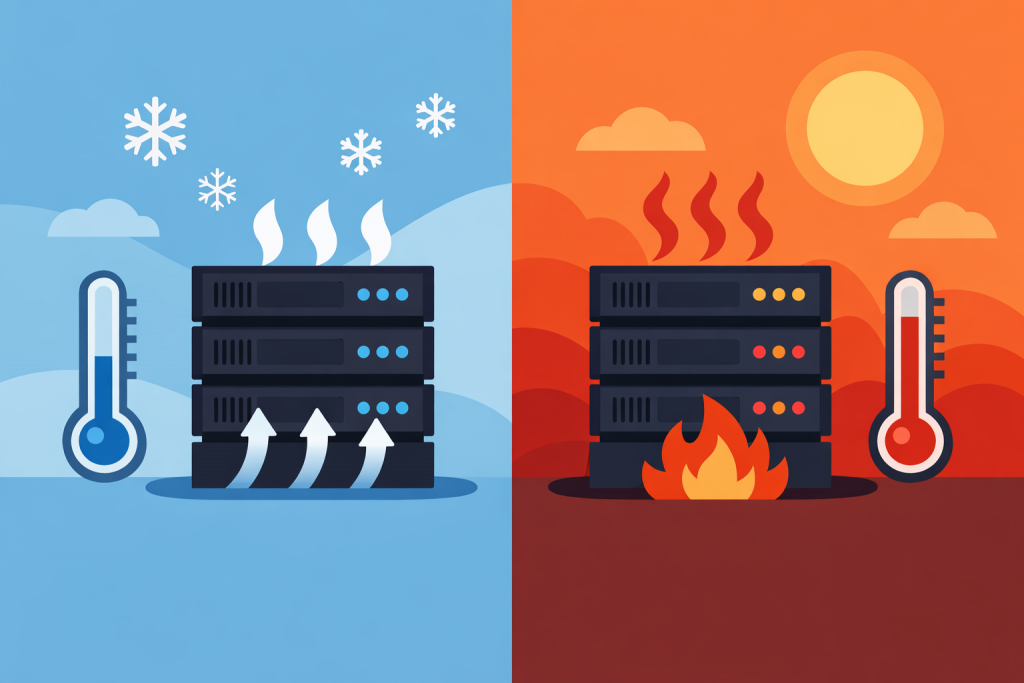
When we talk about a server, we imagine a powerful machine that can run for years. And that is true – enterprise-grade hardware is designed for enormous workloads. But there is one nuance that business owners and even beginner system administrators often ignore. Heat. A server does not die instantly because the room became five degrees warmer. It starts to “crumble” gradually, and this process is almost impossible to notice without dedicated monitoring – until it is too late.
Scheduled reboots maintain stable server operation
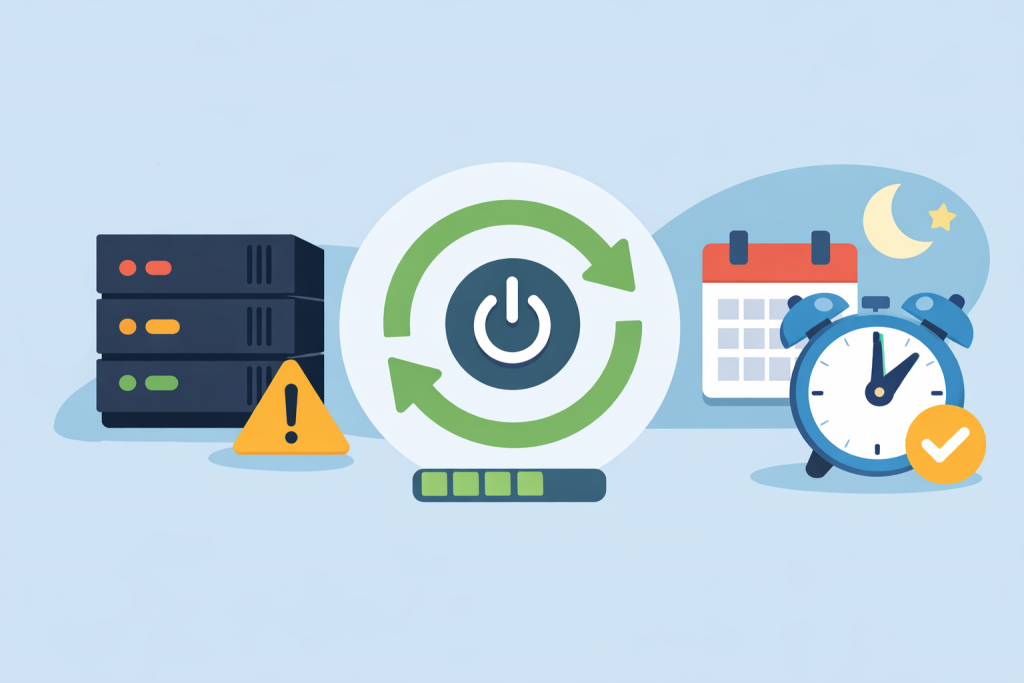
There is a false belief that a physical server is some kind of “iron rock” that should run for years without a single stop. The owner’s logic is understandable: plenty of resources, no noisy neighbors on shared hosting, the system feels stable. Yet in real operation, an uptime of several years usually points not to reliability, but to the absence of critical security updates in memory. A scheduled restart is not a fix for a problem, but a routine procedure that helps avoid performance degradation and hidden vulnerabilities.
Even minor technical discrepancies can disrupt the stable operation of the service
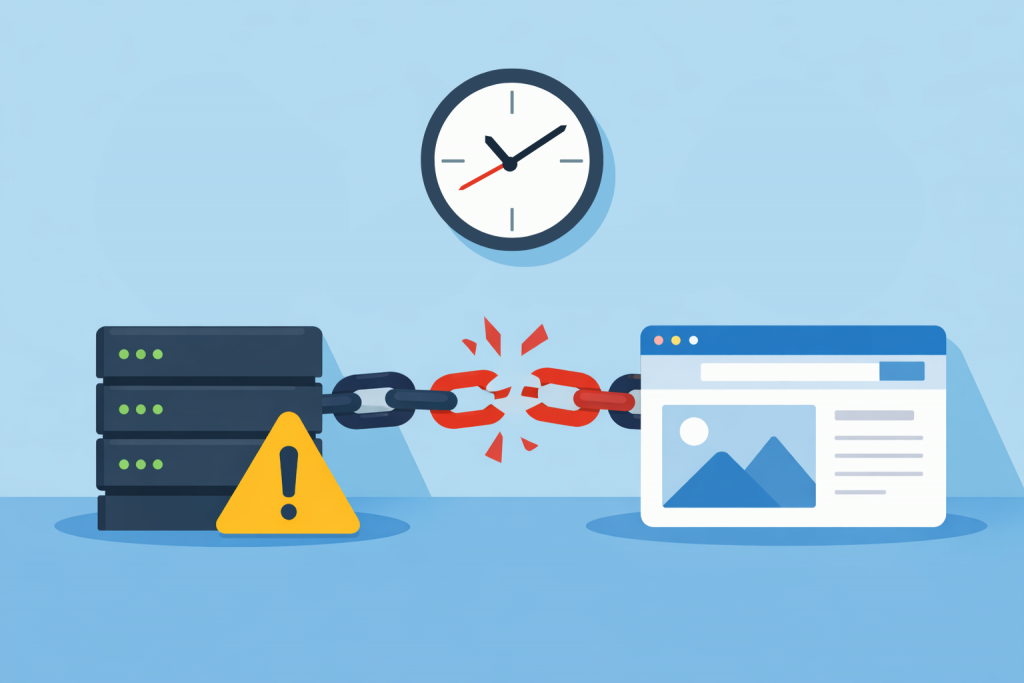
When it comes to website security, people usually mention complex passwords, SSL certificates, or DDoS protection. Time, meanwhile, is perceived as a kind of technical decoration that does not affect stability. Yet it is the correct synchronization of the server clock that forms the foundation on which security mechanisms rely. If a server “lives” in its own dimension or lags by a few minutes, problems appear that are not easy to diagnose right away.
Regular updates and restarts return the server to stable operation
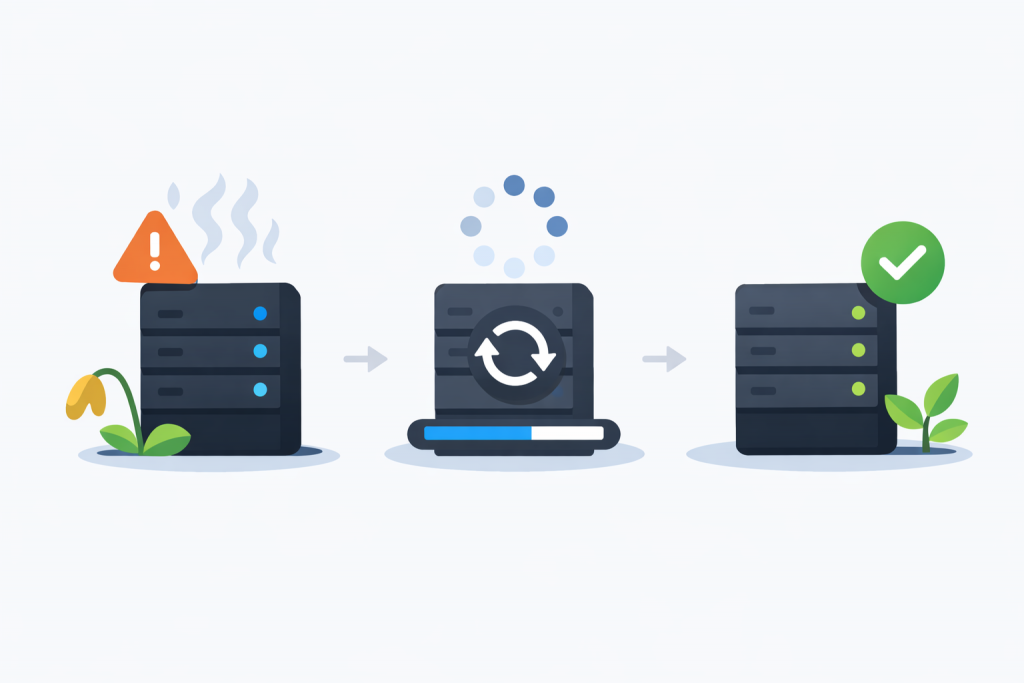
A scenario where a VPS “flies” right after launch, and a week later starts slowing down hopelessly, is familiar to anyone who has ever set up hosting. From the outside it looks like a sudden failure, but usually the problem matures over days. A server is not a static box, but a dynamic environment. If the processes running inside it do not return resources back to the system, stability is gradually exhausted.
The server status does not guarantee the availability of the site for visitors.
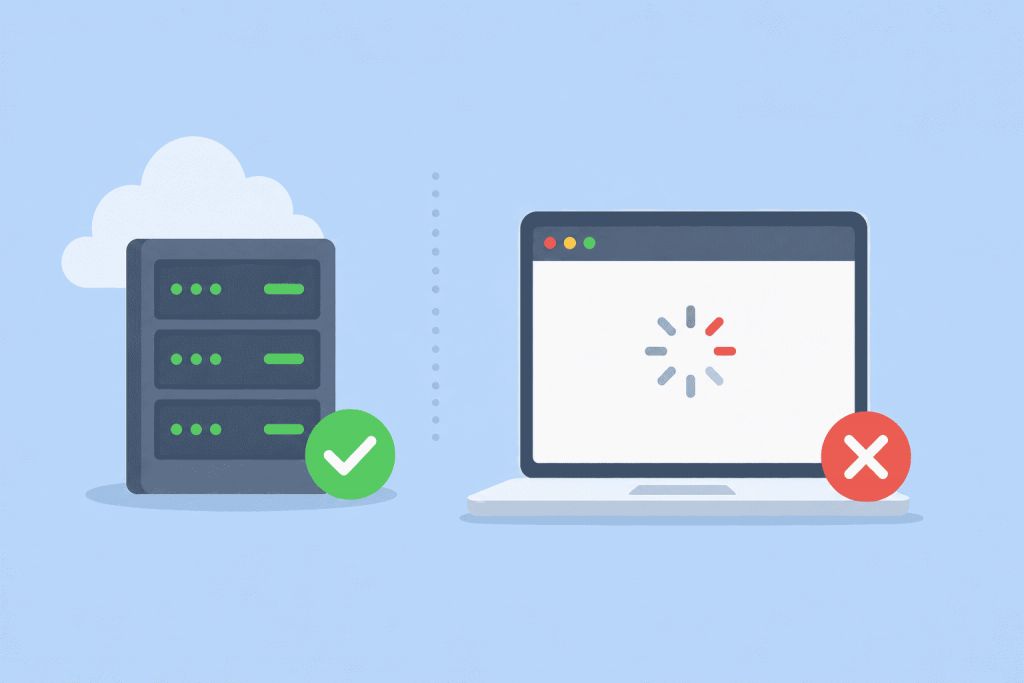
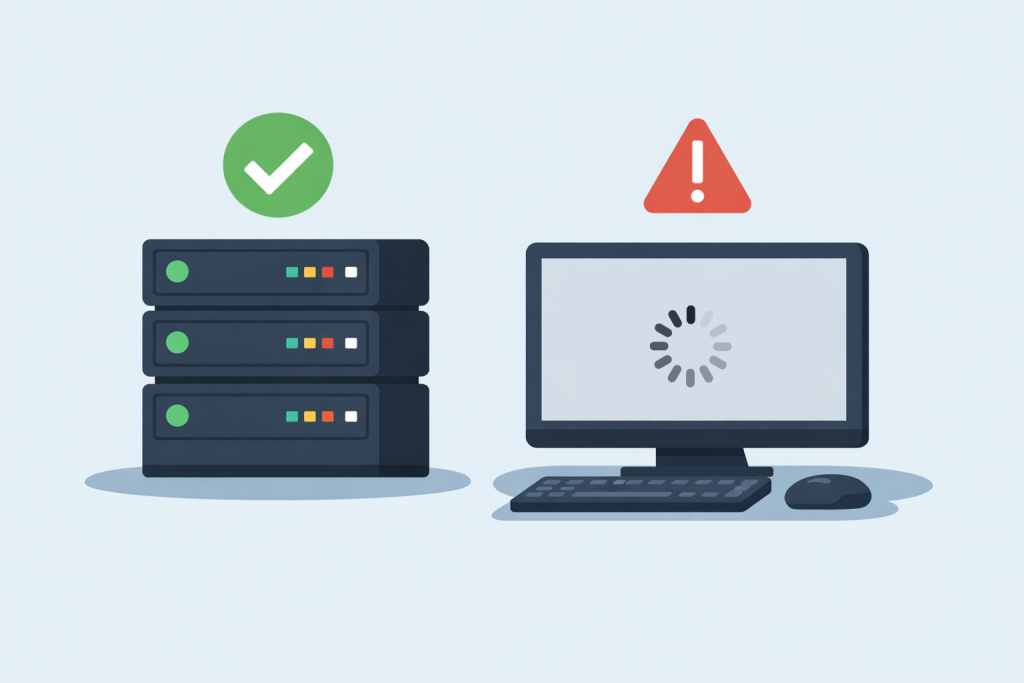
Many website owners face a paradoxical situation: the server is running, responds to ping, answers requests, but the website itself does not open in the browser. From the hosting provider’s side, everything looks fine — the server is online, there are no outages. However, users see an error, long loading times, or complete lack of access. To understand the reason, it is important to distinguish between the concepts of “the server is working” and “the website is working,” because these are not the same thing.