
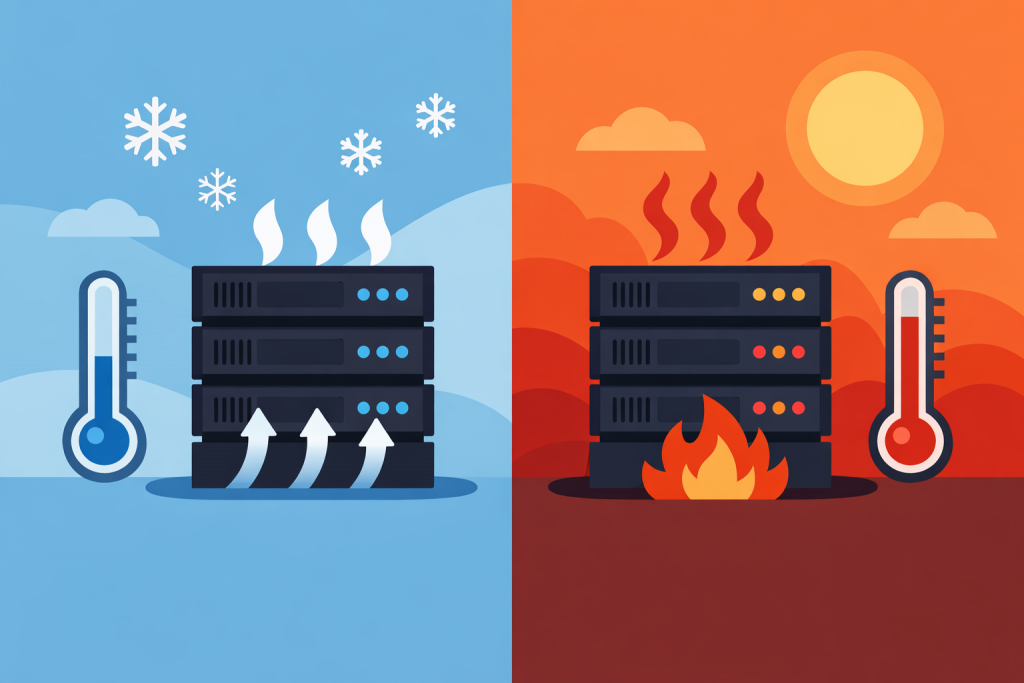
When we talk about a server, we imagine a powerful machine that can run for years. And that is true – enterprise-grade hardware is designed for enormous workloads. But there is one nuance that business owners and even beginner system administrators often ignore. Heat. A server does not die instantly because the room became five degrees warmer. It starts to “crumble” gradually, and this process is almost impossible to notice without dedicated monitoring – until it is too late.
Constant operation at the edge of temperature limits is not just a risk that everything will “freeze.” It is the physical aging of silicon, degradation of solder joints, and changes in the properties of materials. In professional environments this is called accelerated aging. Every extra month in unfavorable conditions takes a year of life away from your hardware.
What is actually happening “under the hood”
The first component to take the hit is the processor. Modern chips have built-in protection: as soon as the temperature crosses a critical threshold, they begin to skip clock cycles in order to cool down. The result is a paradox – you bought an expensive, high-performance server, but because of poor cooling it operates at the level of a budget PC. You pay for power that you cannot actually use, because the hardware is simply “choking” on its own temperature.
Random access memory (RAM) is another quiet victim. It is extremely sensitive to power stability and temperature. When memory modules overheat, so-called “soft errors” begin to appear. That is when a single bit of information randomly changes its value. If the server does not have an error-correction system (ECC), this leads to sudden reboots or, even worse, to gradual corruption of the database. You can spend weeks searching for the problem in the software, reinstalling the system, while in reality the memory simply does not get enough airflow.
But the real “death zone” is storage drives. In classic hard drives (HDD), heat changes the viscosity of the lubricant in the bearings and microscopically expands metal components. This accelerates mechanical wear many times over. With modern SSDs the situation is even more insidious. High temperature accelerates charge leakage from memory cells. Put simply, the drive begins to “forget” data. In practice there have been cases where, after summer heat waves, servers standing without air conditioning lost entire data arrays simply because the SSDs “melted” under temperature stress.
Case aerodynamics and “hot pockets”
Many people think it is enough to install powerful fans and the problem is solved. But server cooling is not about the strength of the airflow – it is about the trajectory of the air stream. Inside a narrow server chassis every centimeter matters. Air must enter cold from the front panel, pass through the radiators of the processors and memory, and immediately be expelled out the back.
If you shoved the server into a tight cabinet, placed it flush against a wall, or (even worse) piled cables behind it, hot air will not be able to escape. It will begin to circulate inside the case like a turbine. “Dead zones” appear – places where fresh air never reaches at all. These zones often contain power supplies or network cards, which end up burning out first, even though the processor sensors may still show normal temperatures.
Another common mistake is running a server with the lid open “for better cooling.” This is a myth. A server chassis is designed as an aerodynamic tunnel. As soon as you remove the cover, air pressure drops, the flow disperses, and the most distant components stop receiving cooling altogether.
Dust: a silent insulator and bearing killer
Dust in a server room is not just an aesthetic problem. It is a perfect thermal insulation blanket. It forms a thin layer over the motherboard, clogs the fins of the heatsinks, and turns them into pieces of dirty metal that can no longer dissipate heat.
When the system sees that temperature is rising, it commands the fans to spin faster. They begin operating at maximum speed – you hear that characteristic “jet engine” roar. This leads to two consequences.
- Fan bearings wear out in a matter of months instead of years.
- The stronger airflow pulls even more dust inside, creating a closed loop.
In neglected cases dust can even cause a short circuit if humidity in the room suddenly rises. Dust absorbs moisture, becomes conductive, and “bridges” the traces on the board.
The economics of overheating: why prevention is cheaper than repair
The most insidious thing about temperature problems is their delayed effect. You may see no symptoms today. But every day of operation in a “sauna” brings closer the moment when the server simply will not power on after the next reboot.
For a business this always turns into large numbers. The cost of a new server is only the tip of the iceberg. The real losses are hours or days of downtime, lost orders, and damaged reputation. And if disks start to fail because of overheating, the list gains another item – the astronomical cost of data recovery services, which can exceed the price of the hardware itself.
The correct approach is not buying the most expensive air conditioner, but a set of measures. It is necessary to maintain cleanliness, organize cable management so that it does not block air exhaust, and обязательно set up a monitoring system. It is better to receive a notification on your phone that the temperature has risen by five degrees than to learn about the problem when the server room is already smoking.
Leave a Reply
You must be logged in to post a comment.