Not every website slowdown starts on the server side
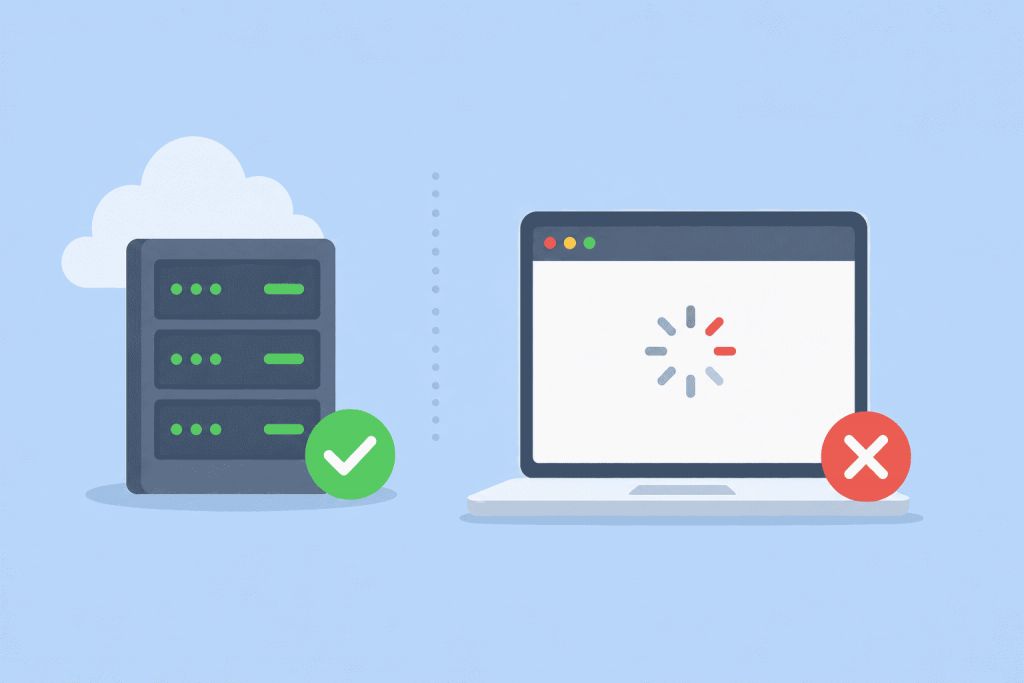
The website has become slow, so the server is the first suspect. Adding CPU cores or RAM, or moving to a more expensive VPS, seems like an obvious solution. Sometimes the configuration is upgraded, though, and the pages still take just as long to load.
Most people want to get rid of a cookie banner as fast as possible. “Accept all” is usually the largest button on the screen, while the alternatives sit behind something like “Manage settings.” So people click the obvious option without really checking what it covers.
Even minor technical discrepancies can disrupt the stable operation of the service
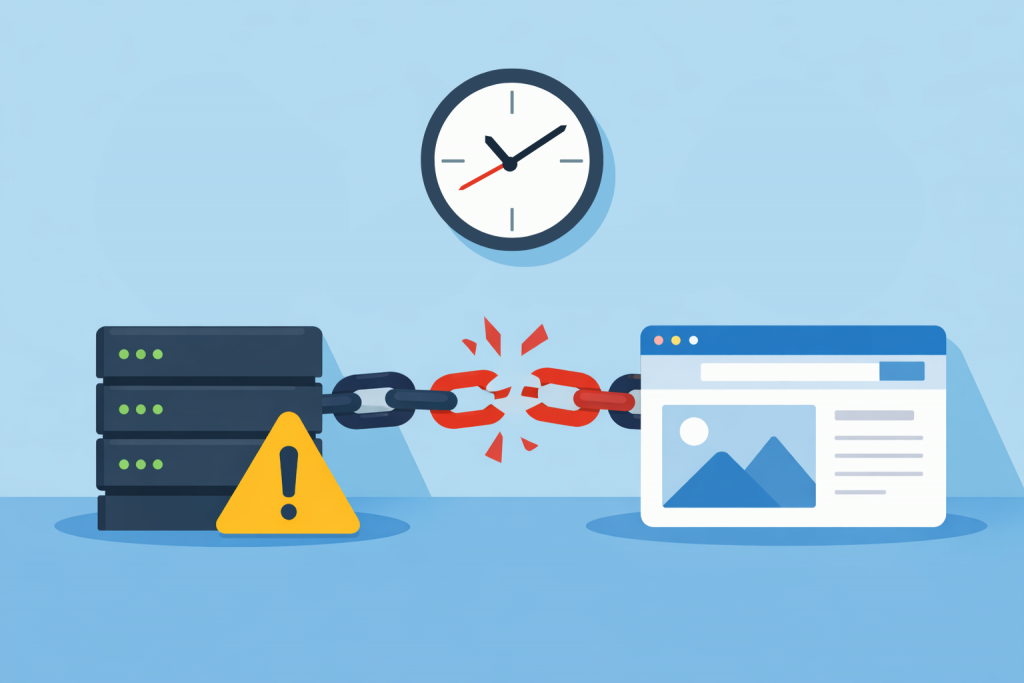
When it comes to website security, people usually mention complex passwords, SSL certificates, or DDoS protection. Time, meanwhile, is perceived as a kind of technical decoration that does not affect stability. Yet it is the correct synchronization of the server clock that forms the foundation on which security mechanisms rely. If a server “lives” in its own dimension or lags by a few minutes, problems appear that are not easy to diagnose right away.
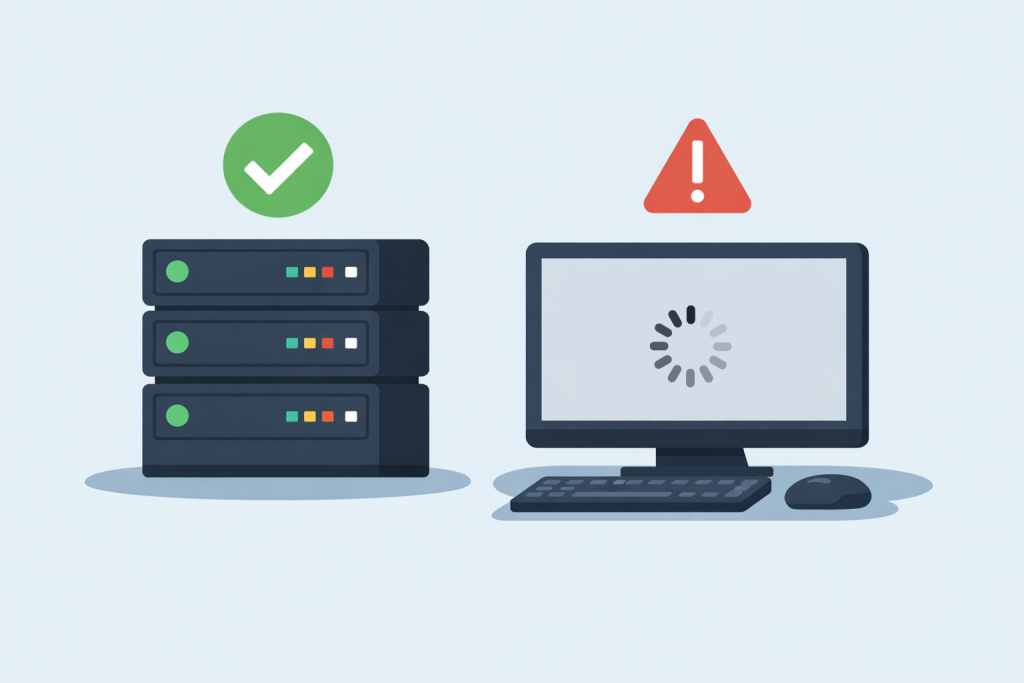
The server status does not guarantee the availability of the site for visitors.
Many website owners face a paradoxical situation: the server is running, responds to ping, answers requests, but the website itself does not open in the browser. From the hosting provider’s side, everything looks fine — the server is online, there are no outages. However, users see an error, long loading times, or complete lack of access. To understand the reason, it is important to distinguish between the concepts of “the server is working” and “the website is working,” because these are not the same thing.
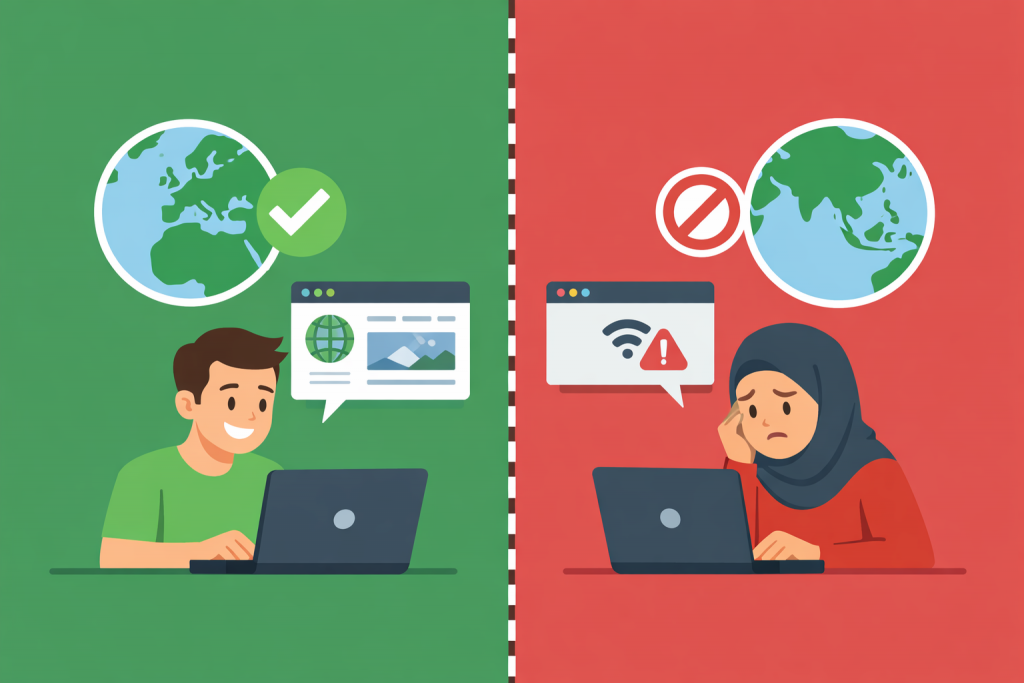
The availability of web resources depends not only on the site, but also on the user’s geography and network restrictions.
The internet is often perceived as a global space without borders, where any website is accessible from anywhere in the world. In practice, things work differently. A user may open a website without any issues from Ukraine, Poland, or Germany, but receive an error or no access at all from another country. For many people this seems strange or even alarming, although in most cases the reason lies not in the website itself, but in how internet infrastructure and servers are built and operated.
Site errors as signals that help you understand what went wrong
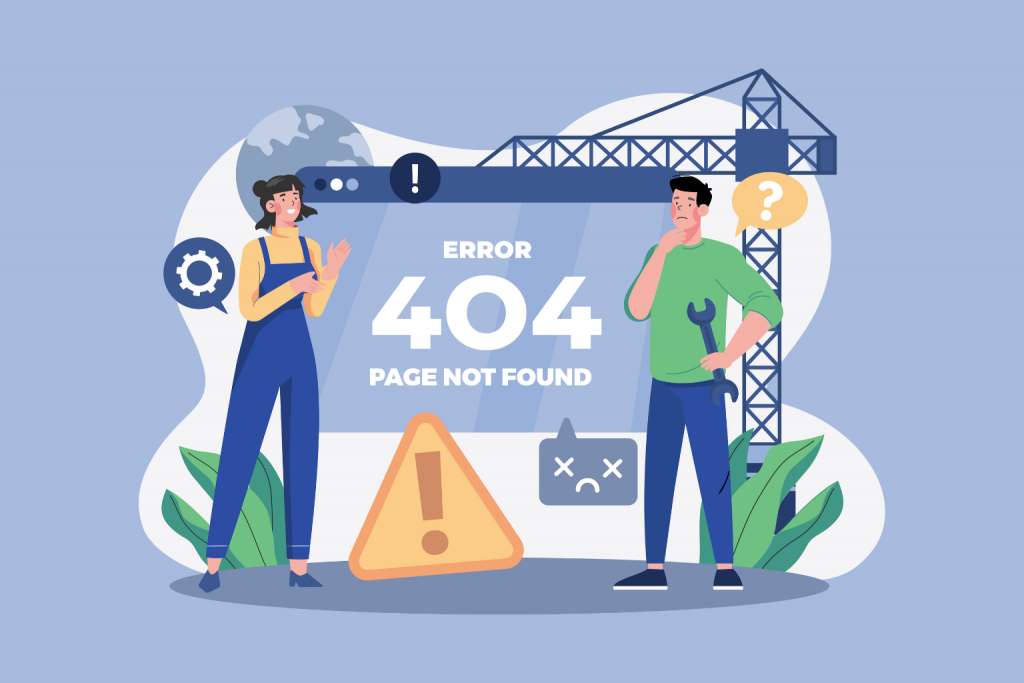
While browsing websites, users often encounter messages like 404, 500, or 504. For most people, these numbers look like technical gibberish, even though they actually carry quite clear information. Website errors are the way a server tells the browser what exactly went wrong. If you learn how to interpret them correctly, it becomes clear whether the problem is on your side, whether you just need to wait, or whether the site is experiencing serious technical issues.
How server speed determines the performance of sites on the mobile Internet
In today’s digital environment, users increasingly interact with websites through smartphones rather than computers. This means that loading speed becomes critically important not only for comfort but also for a business’s ability to retain customers. Mobile internet, even in 4G or 5G formats, is more prone to fluctuations in speed and stability, so the servers powering a website must be highly efficient. How quickly they respond to a request directly influences whether a user stays on the page and completes their action — making a purchase, browsing a catalog, filling out a form, or reading content.