
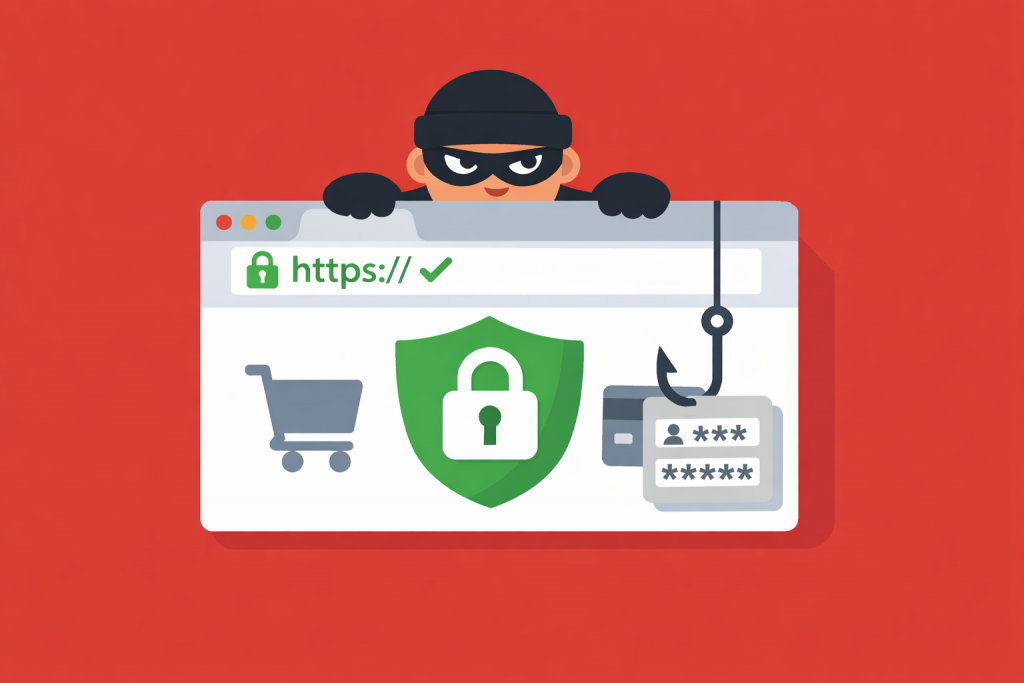
The padlock icon in the browser’s address bar has long been seen as the main marker of safety. Users got used to a simple rule: if there is HTTPS – there is trust. However, today this symbol has become a mandatory standard even for phishing pages, and the presence of an SSL certificate no longer guarantees that you are on a legitimate resource.
What SSL actually confirms
Technically, SSL only encrypts the communication channel between your device and the server. It prevents passwords or card data from being intercepted “in transit”, but it does not verify the intentions of the site owner in any way. If an attacker creates a copy of a well-known bank, they can just as easily install encryption on it.
Many people confuse a secure connection with the reliability of the platform itself. The padlock means no one can eavesdrop on your dialogue with the server, but it does not say whether the party on the other end is who they claim to be.
Why certificates are no longer a privilege
In the past, obtaining SSL was paid and required document verification. Now there are automated services that issue certificates for free within minutes. The system only needs confirmation that you control the domain – and it does not matter whether that domain was created to steal data.
Scammers actively take advantage of this. They register addresses that visually resemble popular marketplaces or email services, copy the design and add the same “symbol of trust”. When the interface is identical to the original and the browser shows no warnings, recognizing a fake becomes much harder.
How the scheme works in practice
It usually starts with an alarming notification: a message about a “suspicious login” or a request to urgently confirm an order. The link leads to a page that looks flawless. It loads quickly, uses correct logos and has active HTTPS.
The trap is usually hidden in the domain itself. It may be an extra letter, a number replacing a similar-looking character, or a different domain zone. Seeing the familiar padlock, the user relaxes and enters their data, which immediately ends up in the attackers’ database.
The psychological trap of the security icon
For years, people were taught to look for the padlock in the corner of the screen. This has turned into an automatic action: see the indicator – enter the password. Modern browsers have reinforced this effect: they aggressively label sites without SSL as “not secure”, but barely highlight resources where the certificate exists while the reputation is questionable. This creates an illusion of complete safety where it does not exist.
What to check instead of the padlock
The accuracy of the address in the browser bar matters first. Every character should be checked, especially if you followed a link from an email or messenger. No SSL will save you if you are on a lookalike domain.
It is also worth evaluating the logic of what is happening. Official services rarely demand urgent actions through external links. Any requests to re-enter sensitive information when you are already logged in are a reason to close the tab.
A baseline, not a guarantee
An SSL certificate remains critically important, because without it data is transmitted in plain text. However, today it is only an entry-level requirement, a technical minimum, not proof of a resource’s legitimacy.
Security on the internet now relies not on encryption algorithms, but on attention to detail. The padlock shows that data will not be stolen during transmission. But it says nothing about what will happen to it once it reaches the server.